01
Worker
Find the prepared receipt
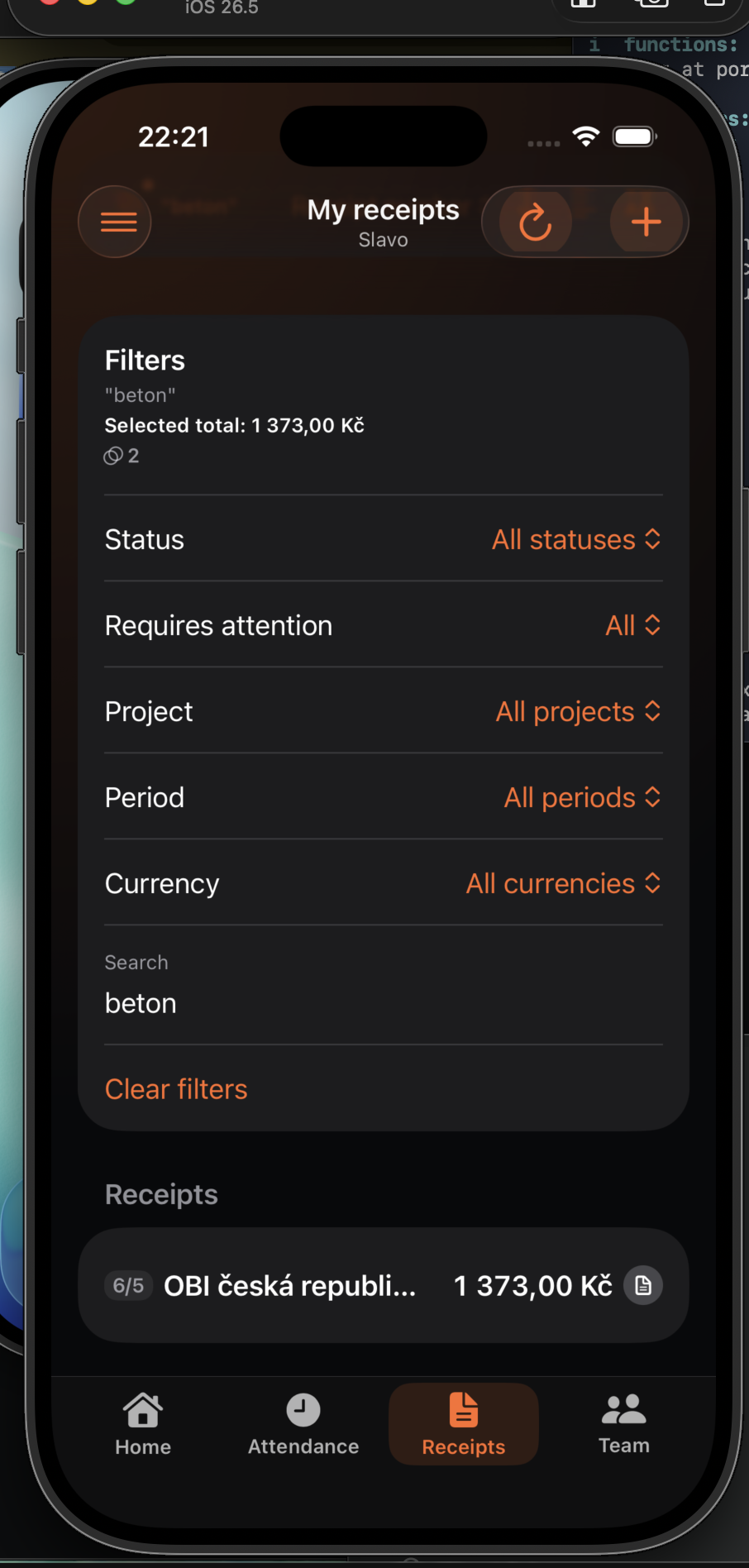
The draft appears in My receipts. Filter by status, project, period, currency, merchant, note, or an individual receipt item.
A worker submits a prepared document. A permitted team lead or administrator checks the original and extracted data before deciding.
The draft appears in My receipts. Filter by status, project, period, currency, merchant, note, or an individual receipt item.
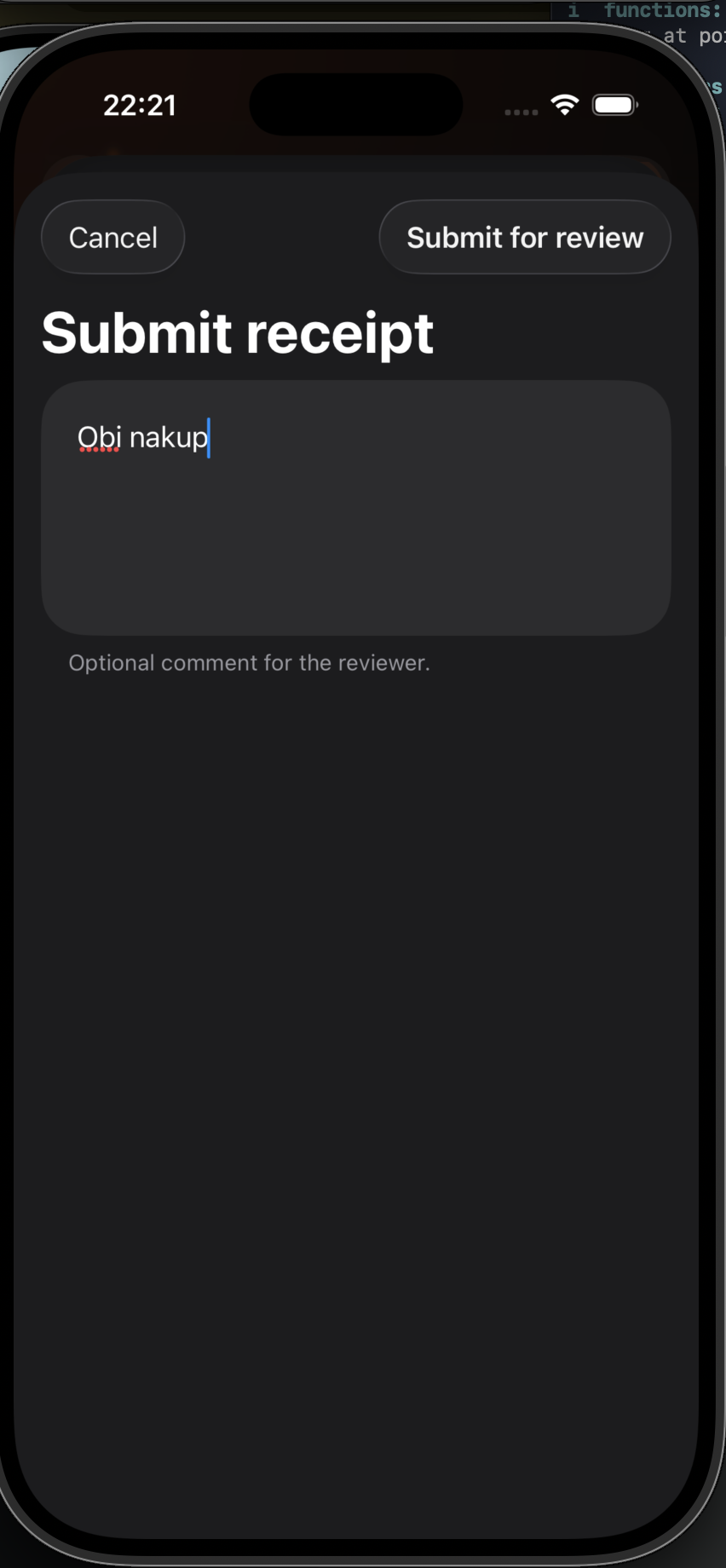
After checking the data, choose Submit for review. An optional comment gives the reviewer useful purchase context.
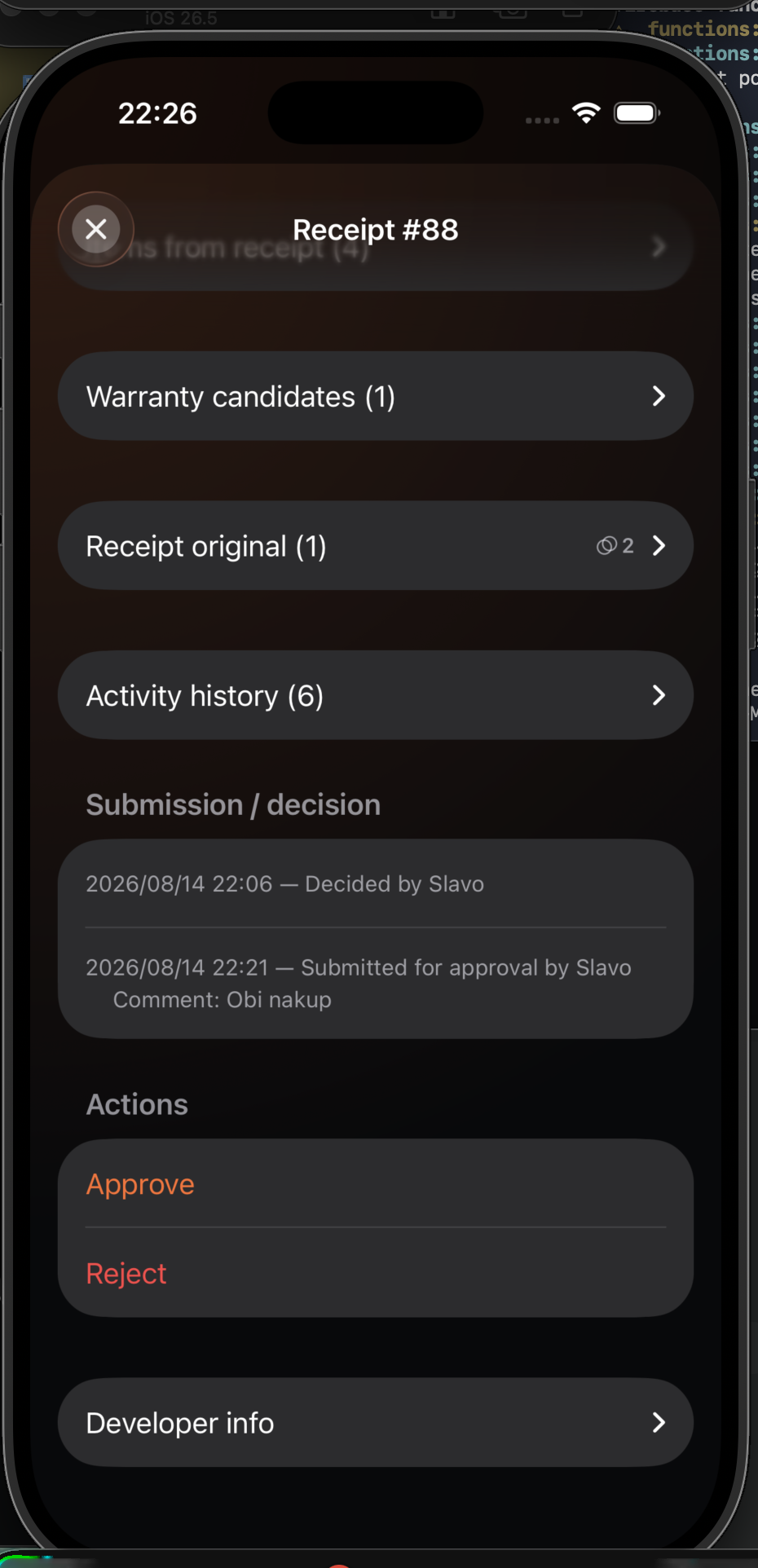
A team lead or administrator opens the pending receipt, compares it with the original, and chooses Approve or Reject. The decision is recorded in activity history.