01
Worker
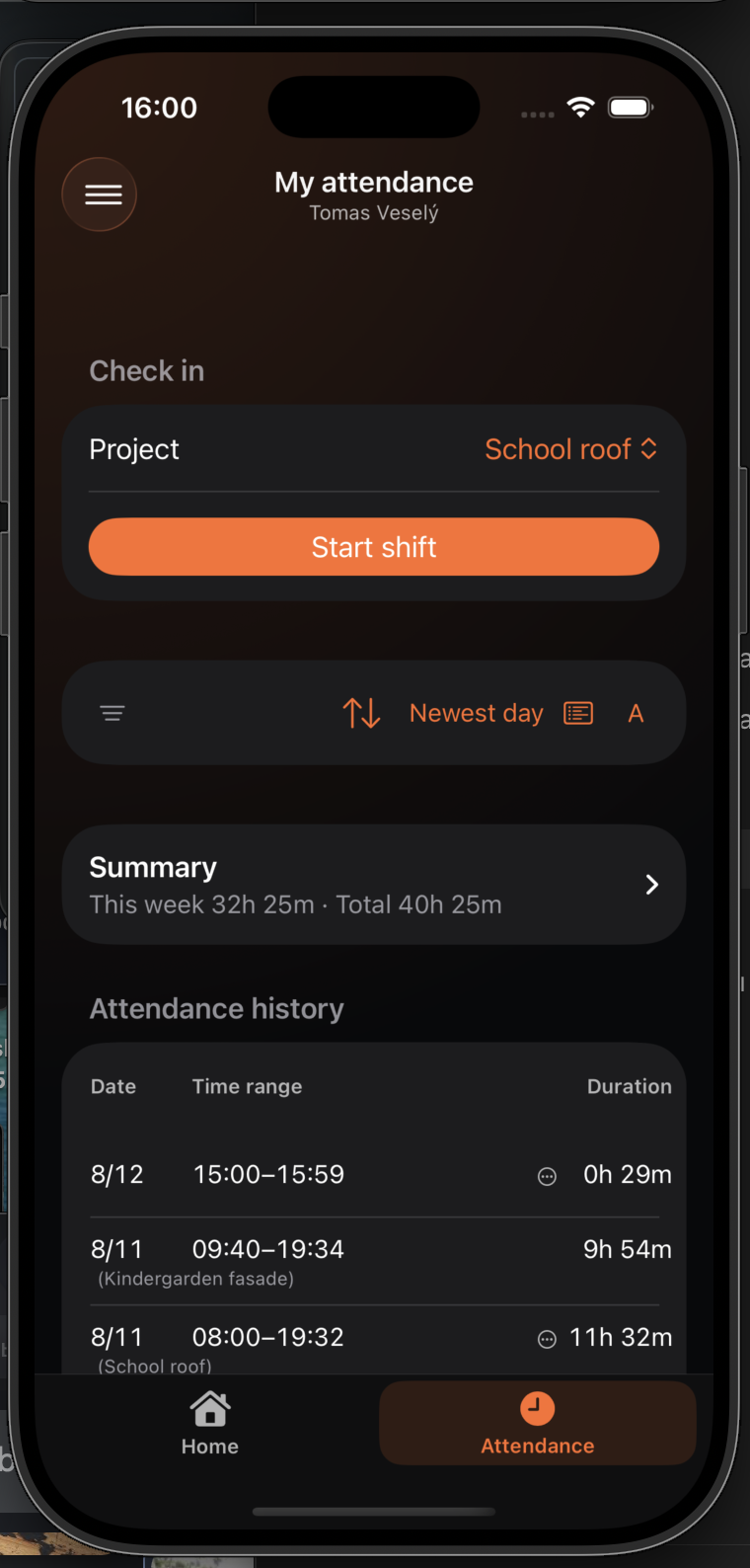
Choose a project and check in
On Home, select the project and tap the large orange button to start the shift.
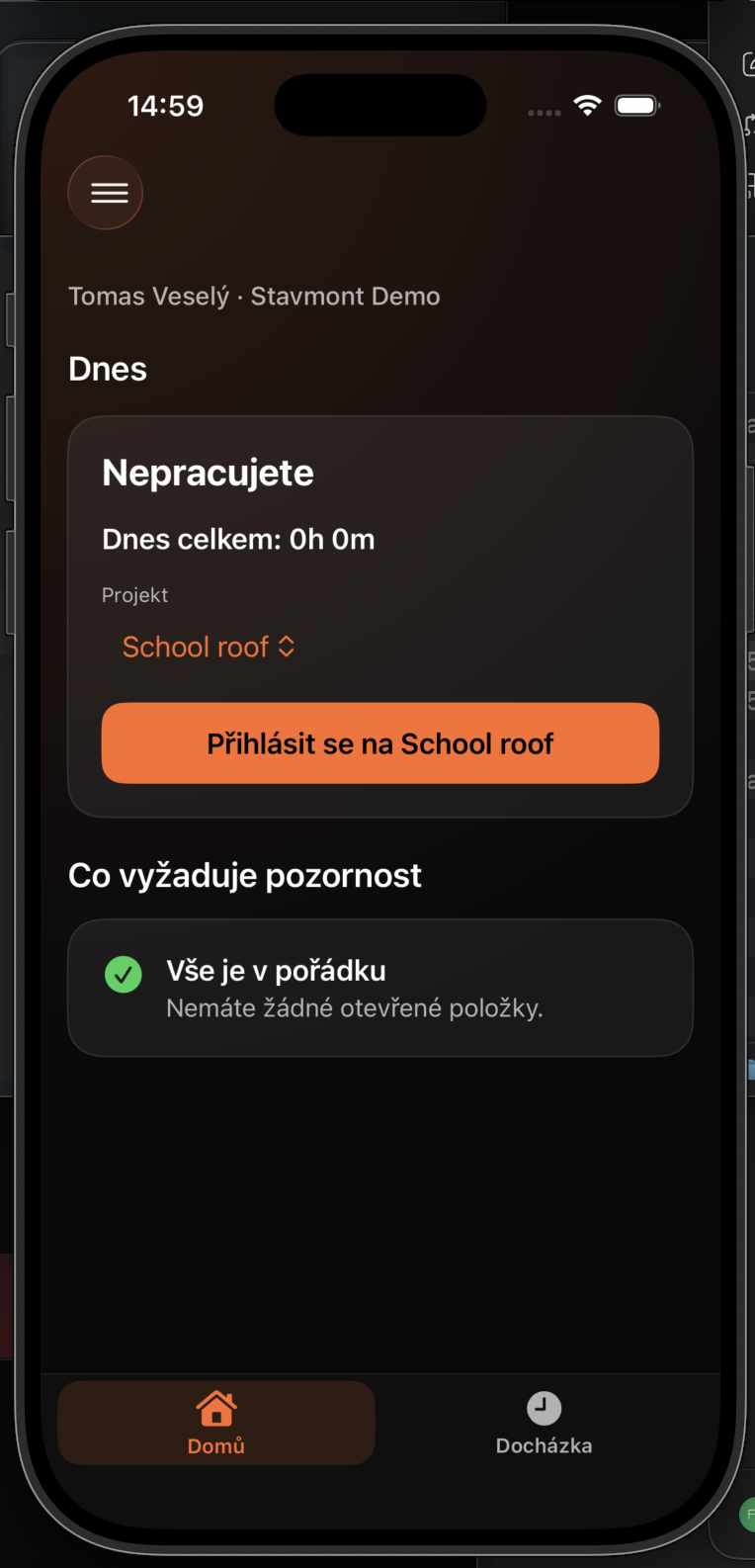
The essential worker flow stays deliberately simple: choose a project, use one button to start, and one button to finish.
On Home, select the project and tap the large orange button to start the shift.
After check-in, the primary action changes to End shift and the app shows today’s worked time.
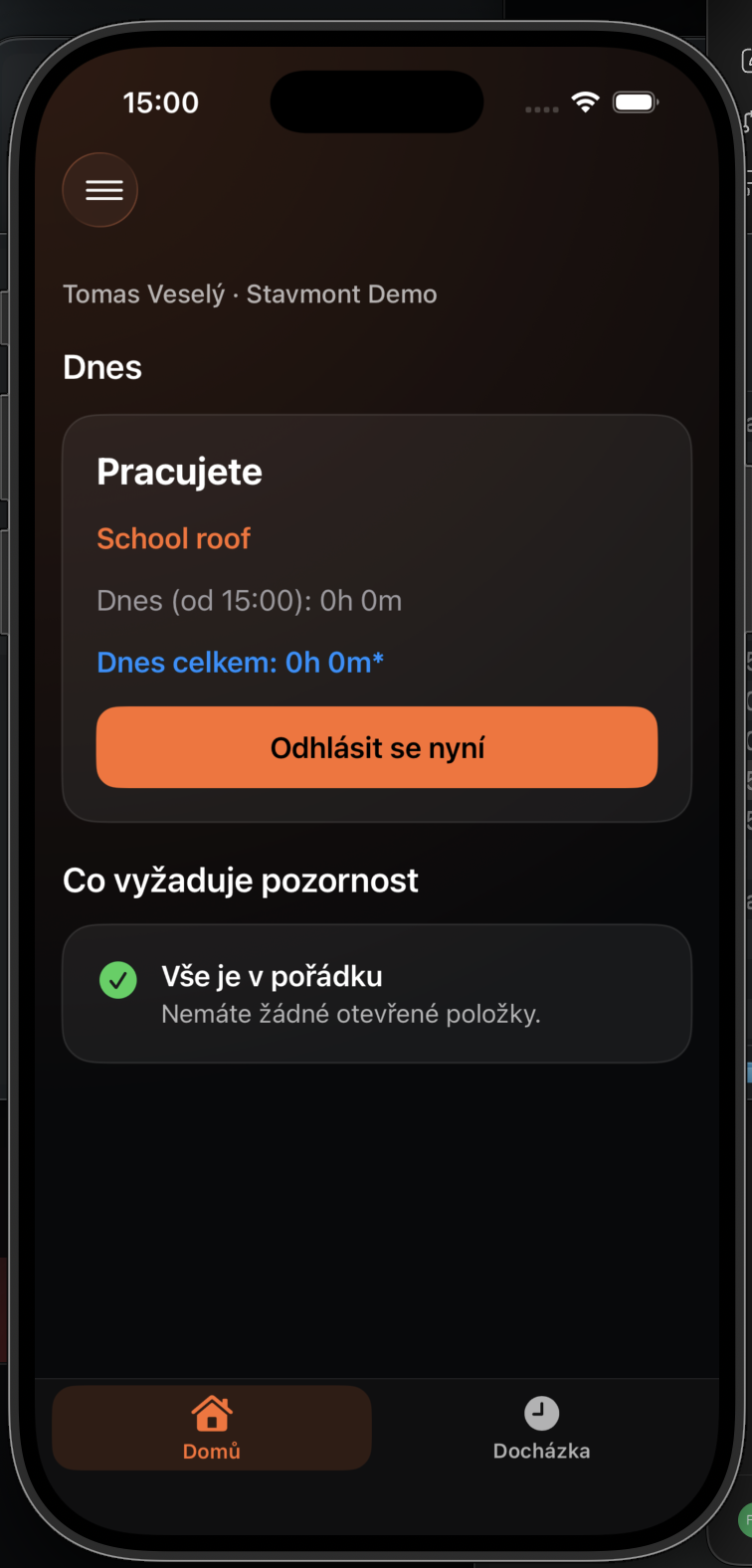
Today total grows during the day. Attendance provides the details of the current shift.
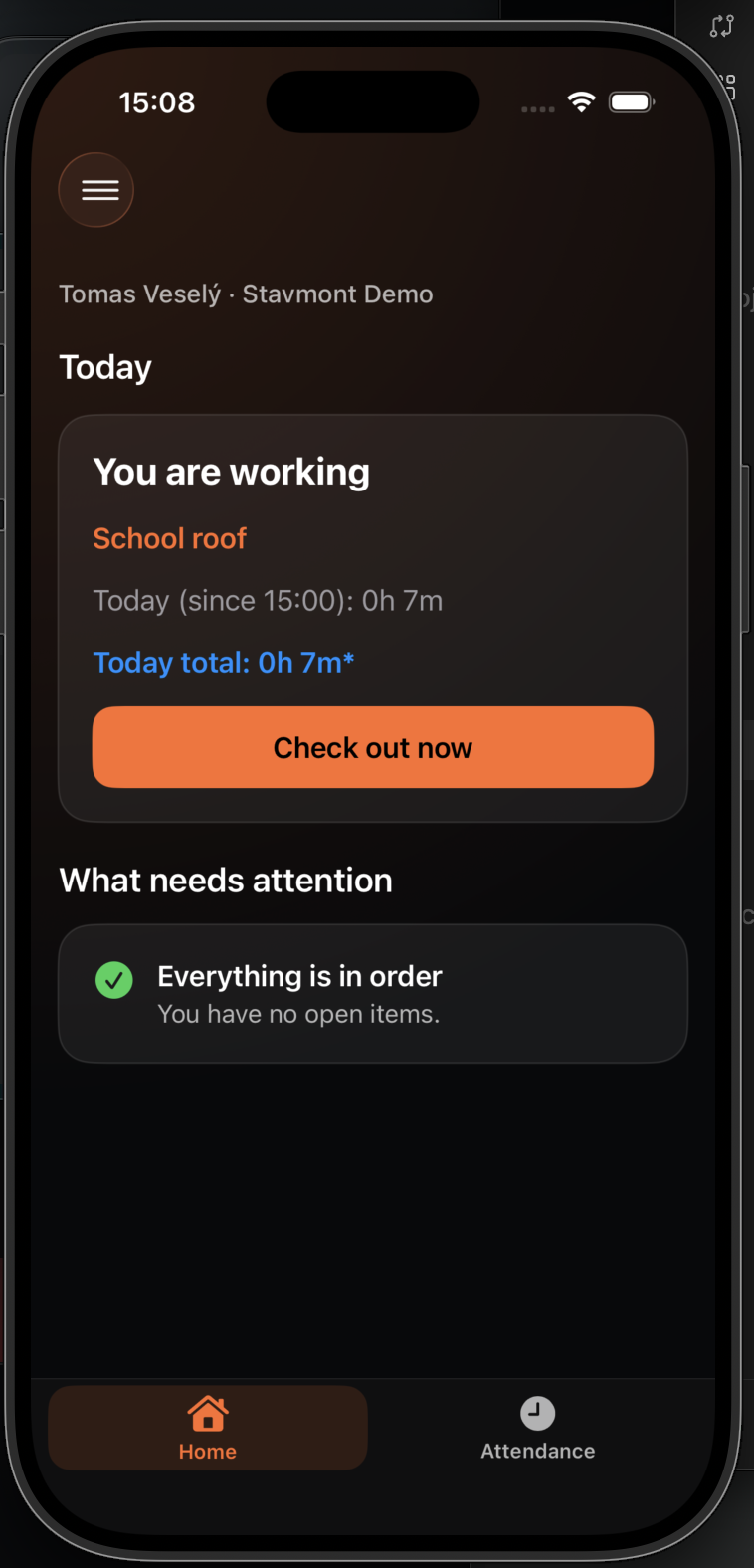
Tap End shift when work is finished. The closed interval appears immediately in attendance history.