01
Worker
Open your attendance
Attendance shows the current shift, today’s total, and chronological history.
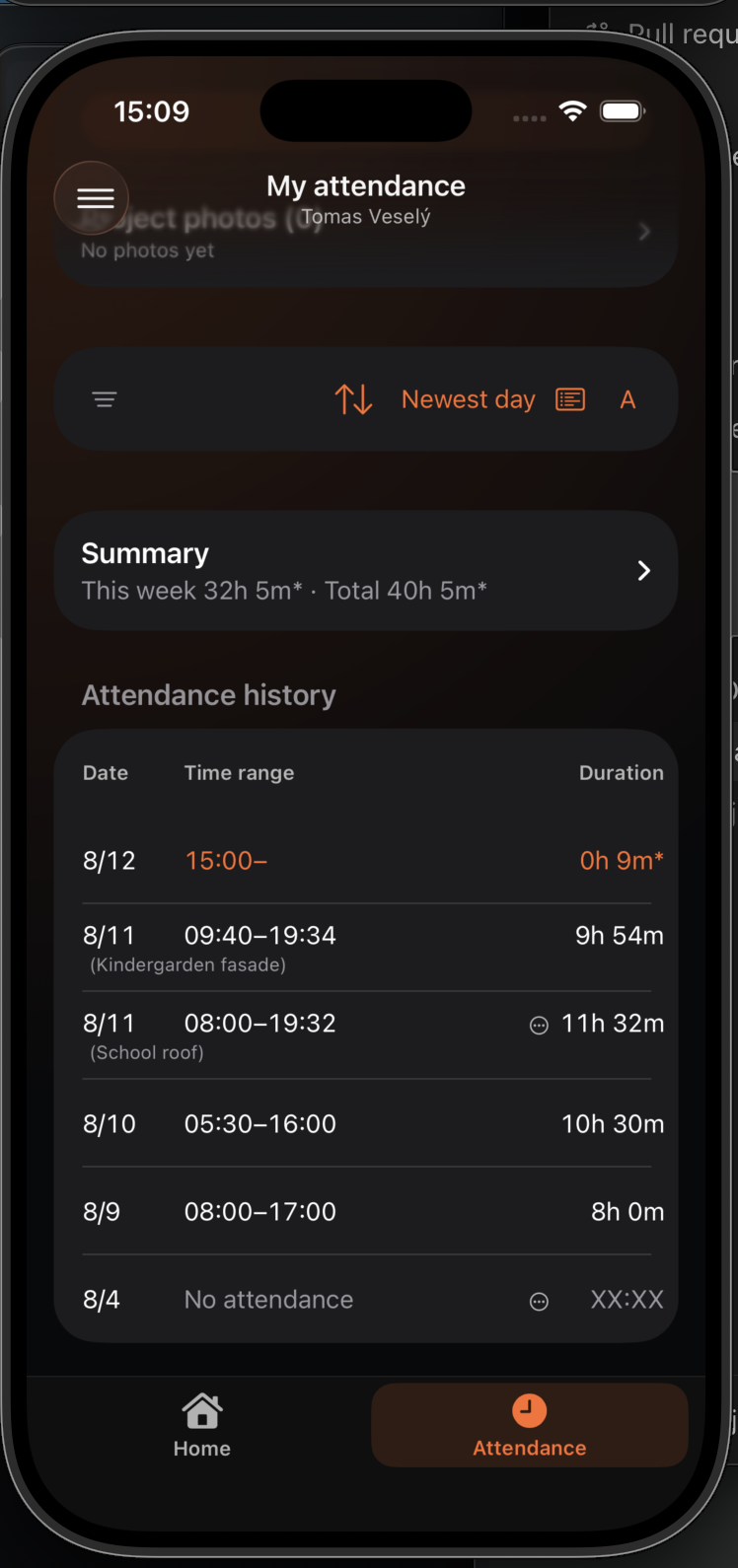
Workers keep their time, projects, and days requiring attention in one place and can tailor the view to their needs.
Attendance shows the current shift, today’s total, and chronological history.
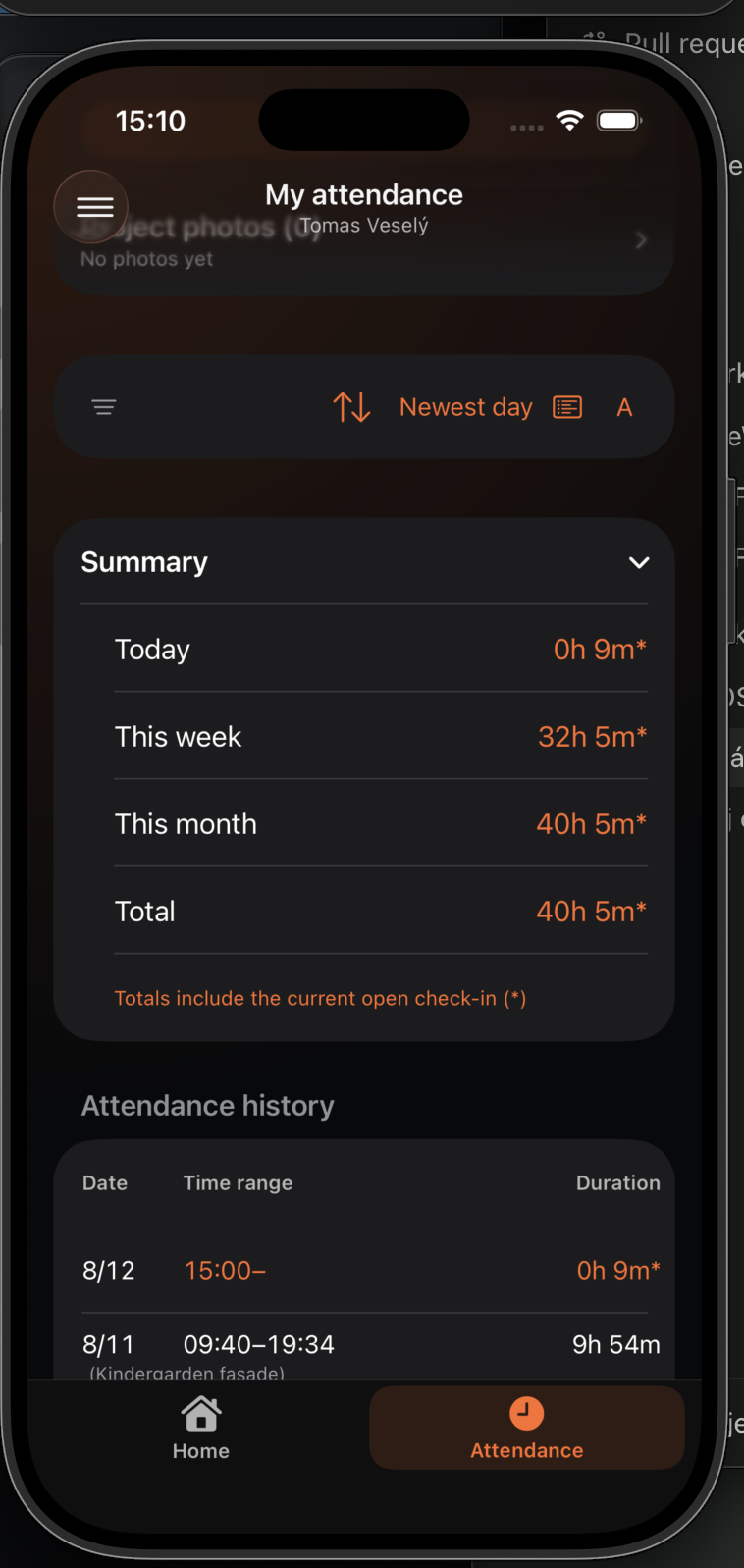
Summary contains totals for periods and projects, making worked hours easy to review.
Attendance history supports three levels of detail and adjustable text size.
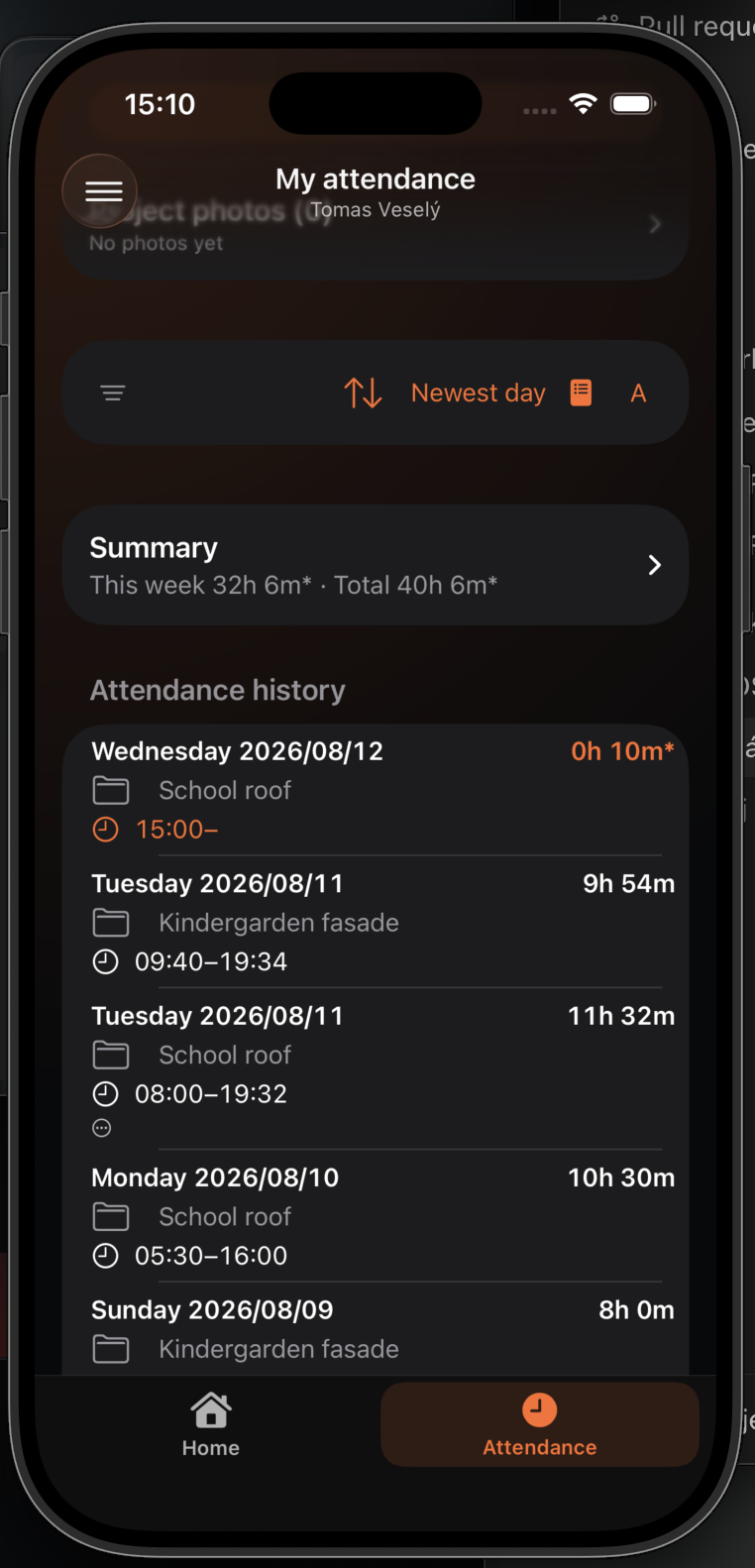
Sort days ascending or descending by date or the selected overview.
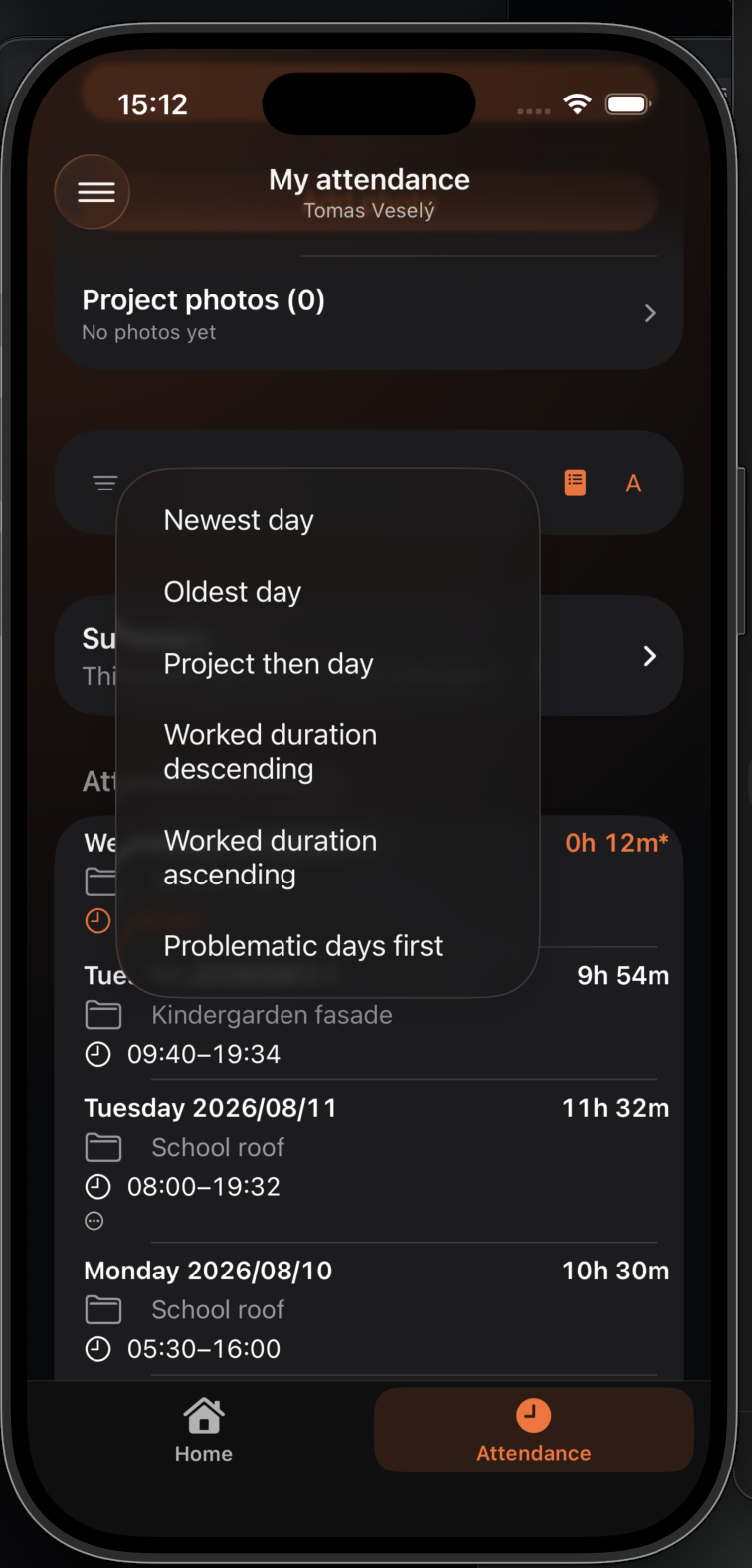
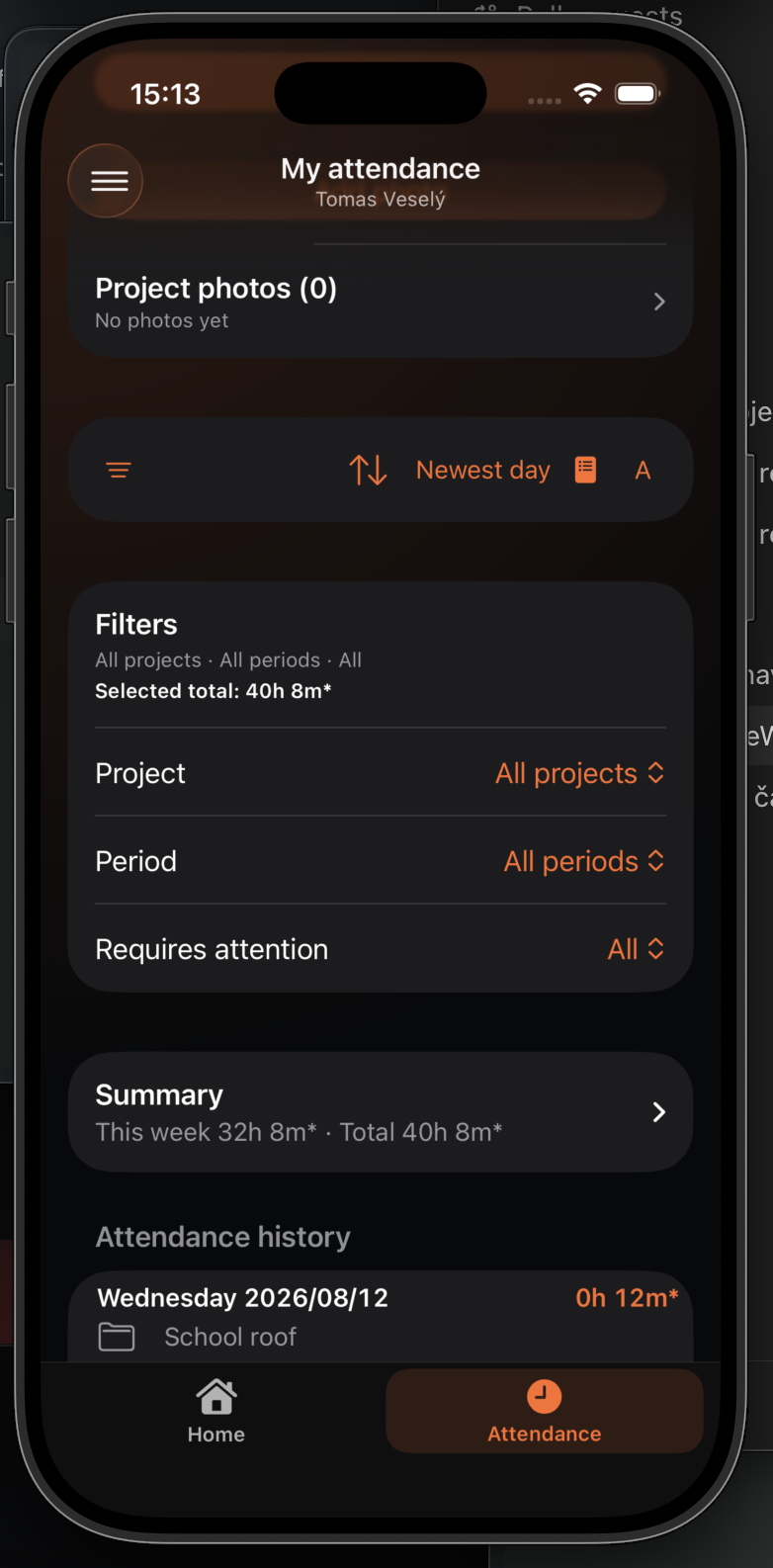
Limit history by project, period, or only days with an attendance or quality problem.