01
The worker chooses to join
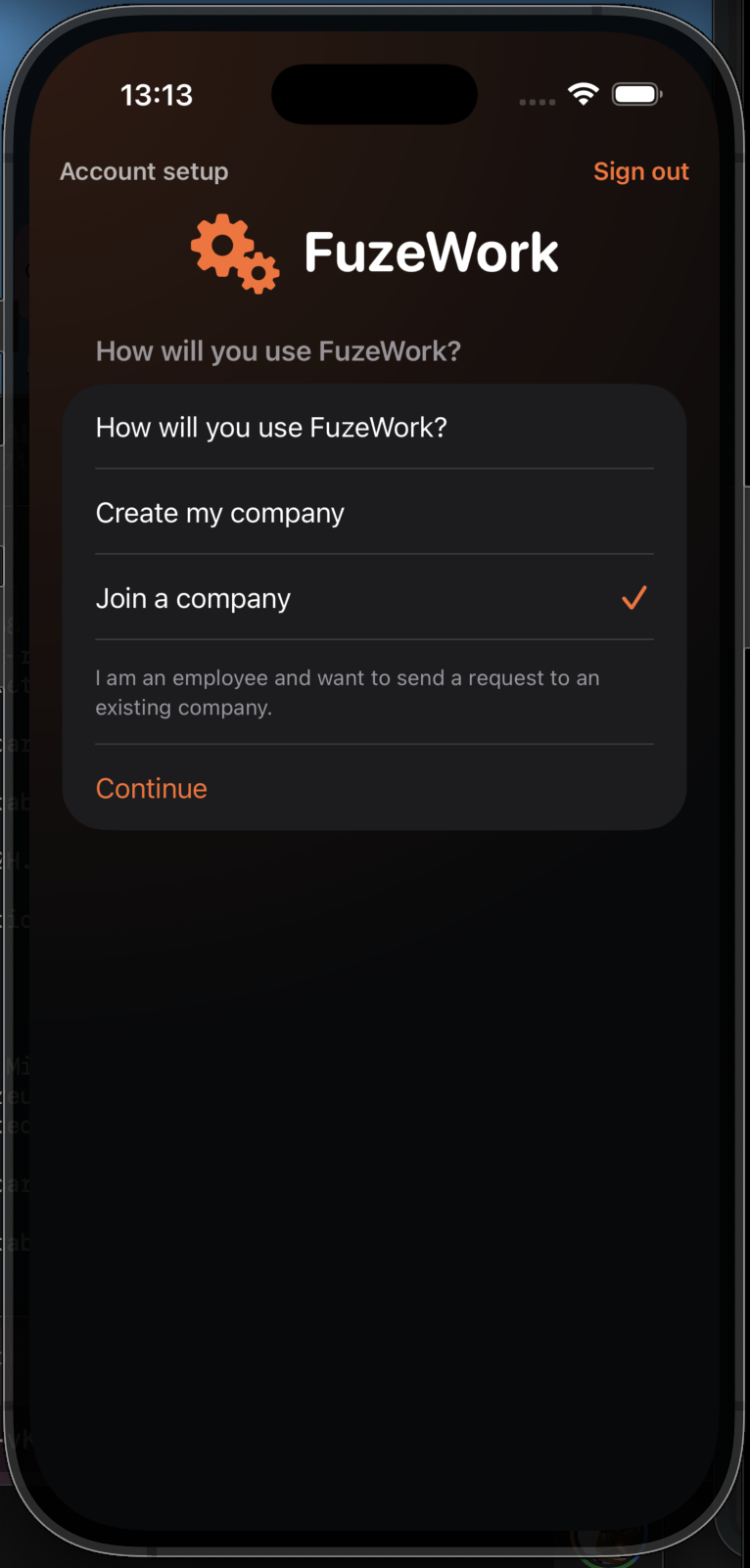
In new account setup, the worker selects the option to join an existing company.
This flow alternates between worker and administrator views, from the join request to the first active shift.
In new account setup, the worker selects the option to join an existing company.
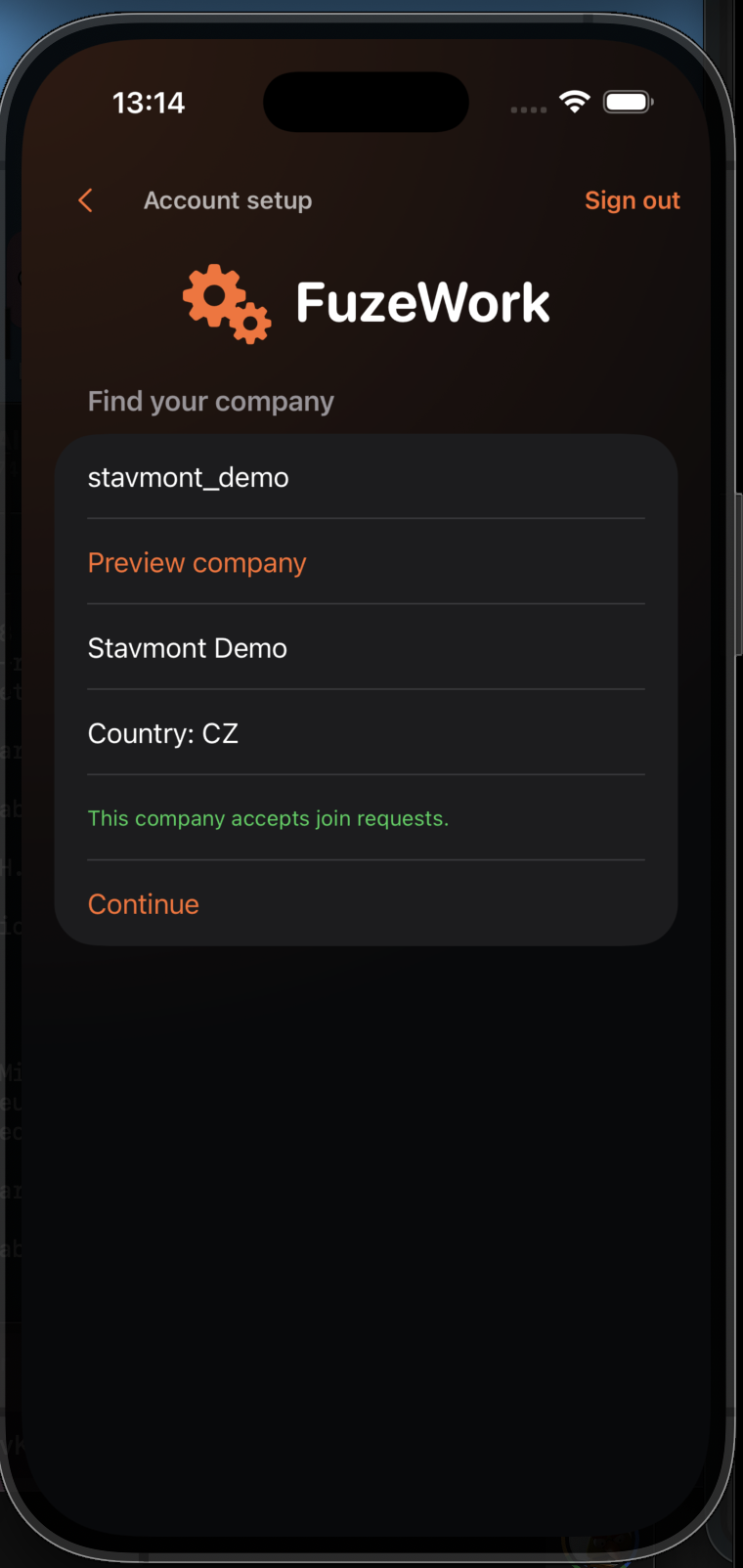
Enter the Company ID, review the company preview, and send the join request.
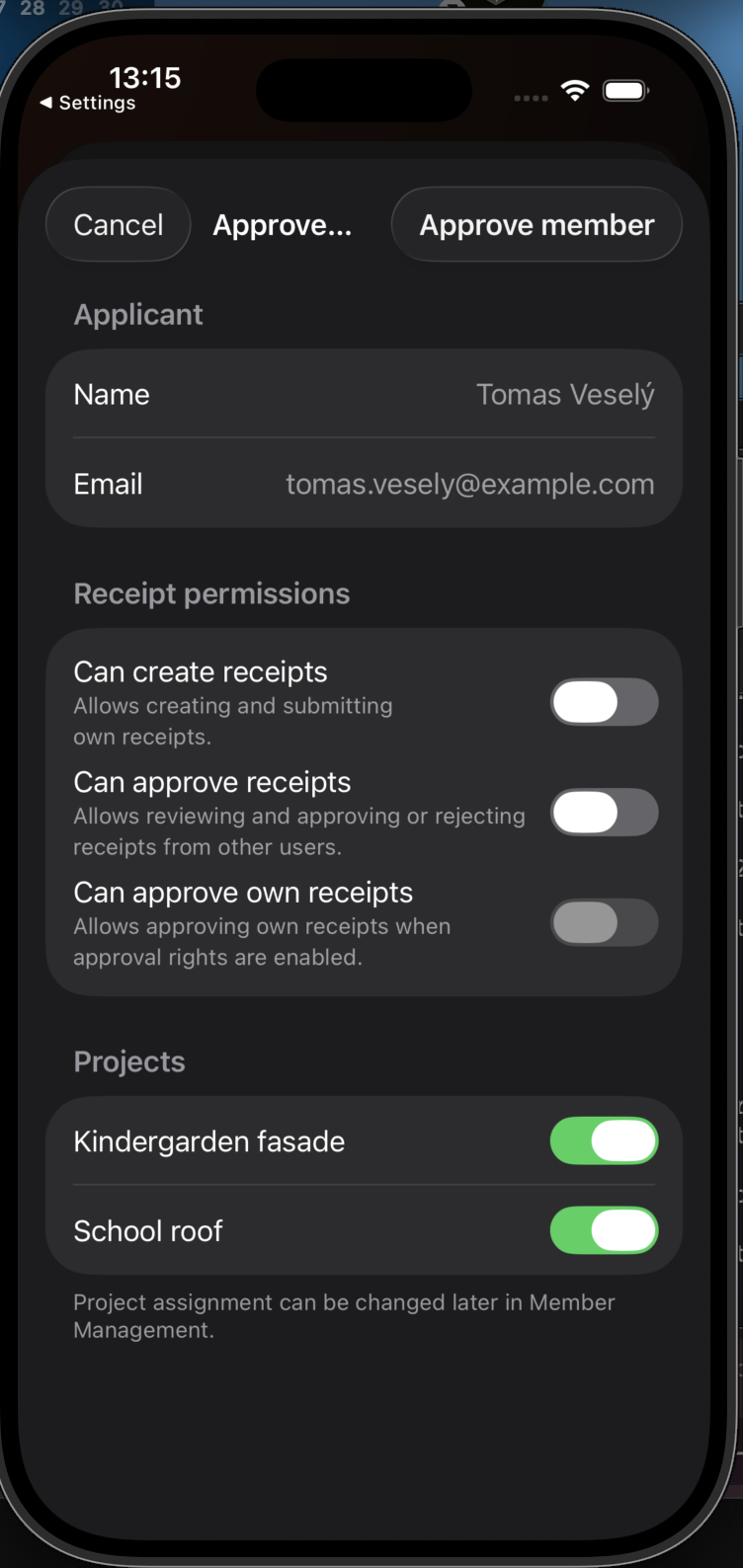
Review the applicant, set permissions, and assign the correct projects.
After approval, choose a project and use the primary check-in button.
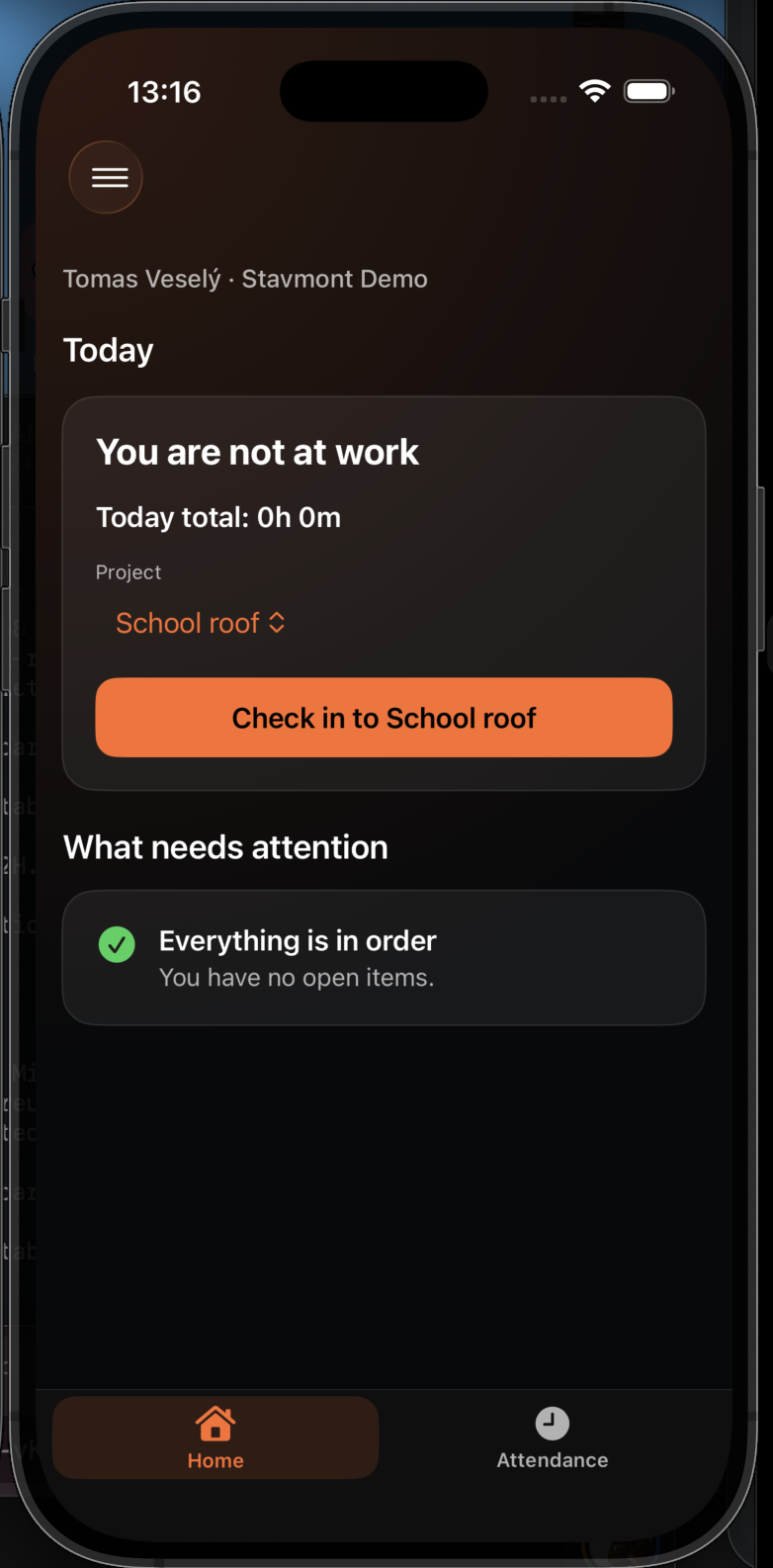
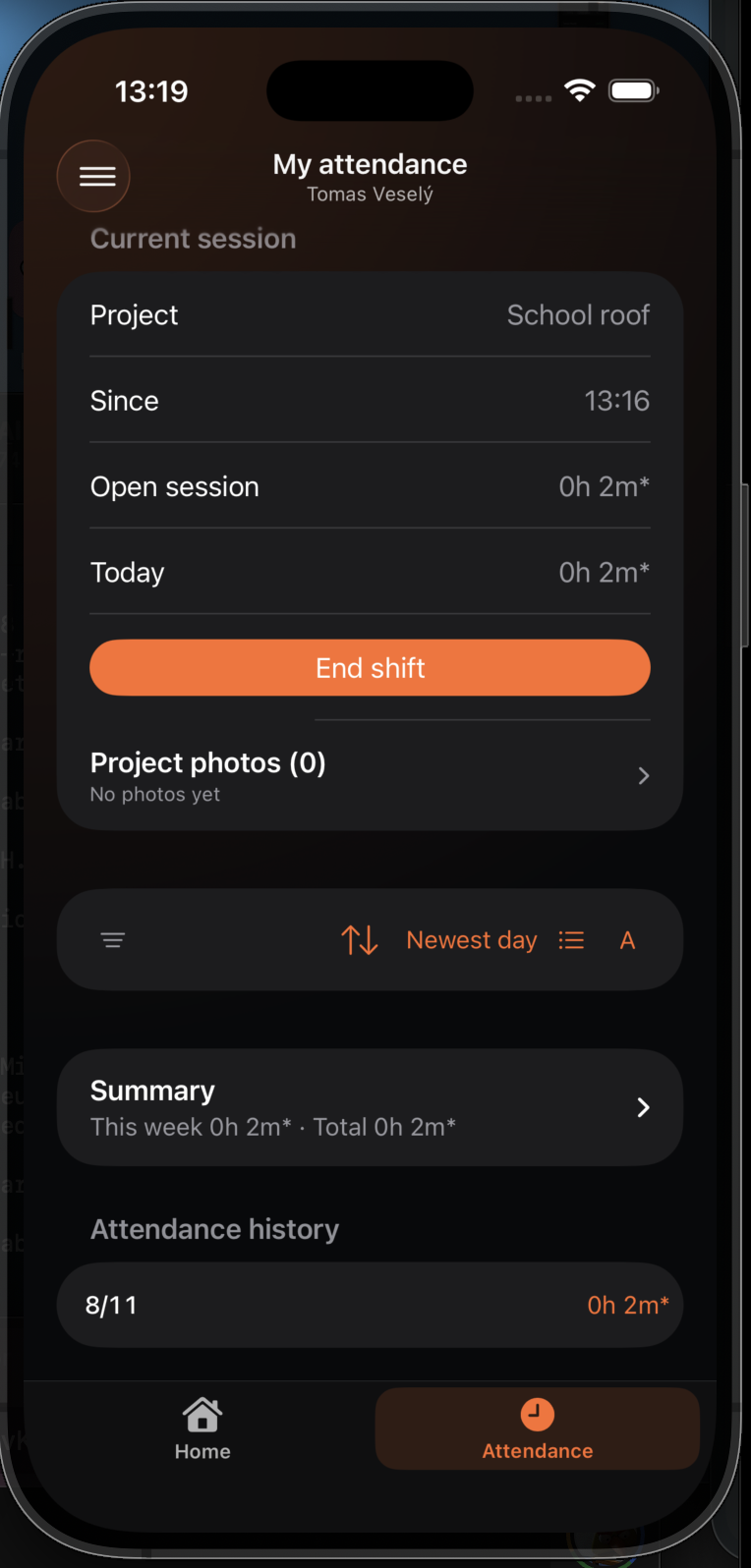
Attendance shows the current project, start time, and the action to end the shift.