01
Team lead
Choose your workday
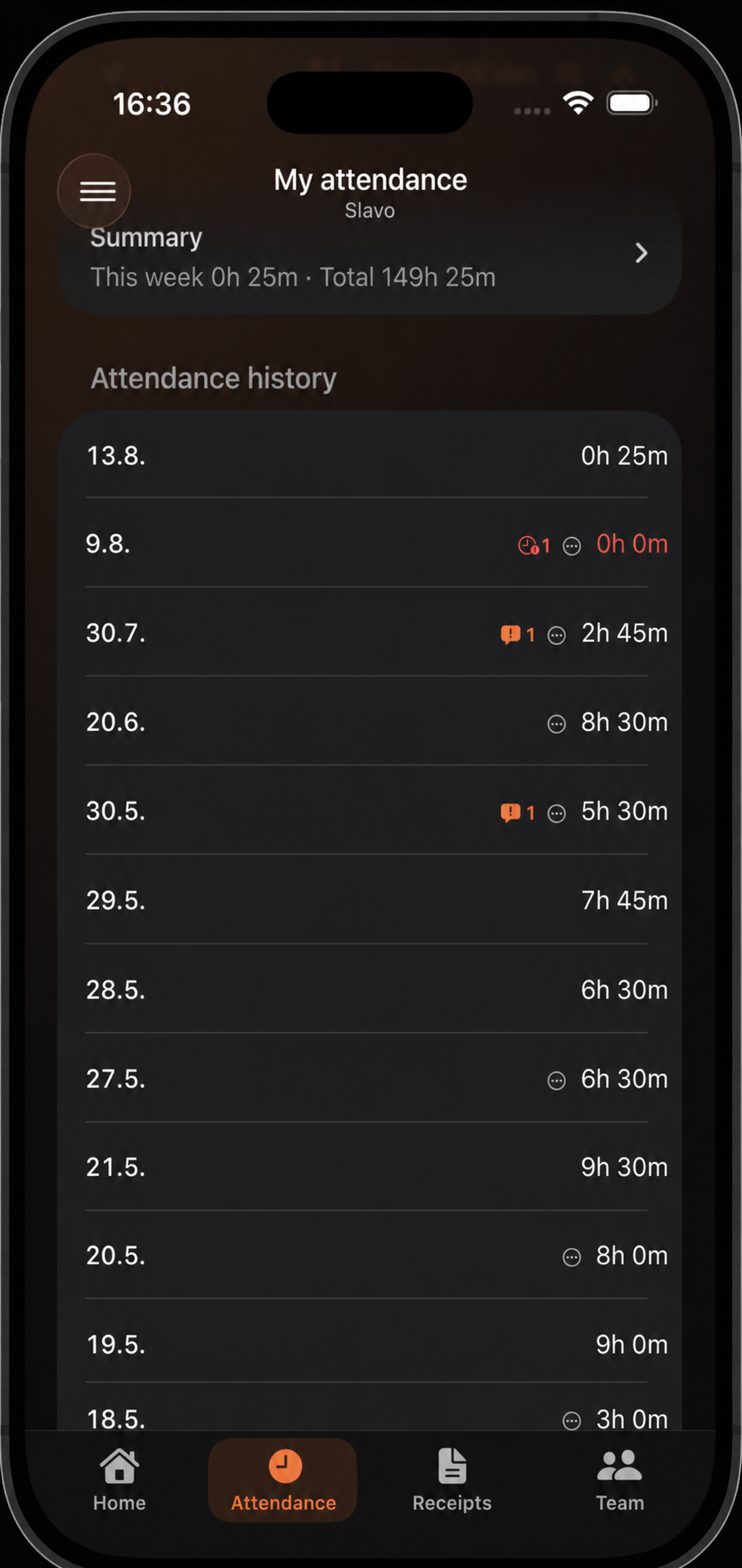
Open a day in your attendance history whose arrivals and departures match the team’s work.
Use this when the whole team arrives and leaves together and the team lead has permission to copy attendance.
Open a day in your attendance history whose arrivals and departures match the team’s work.
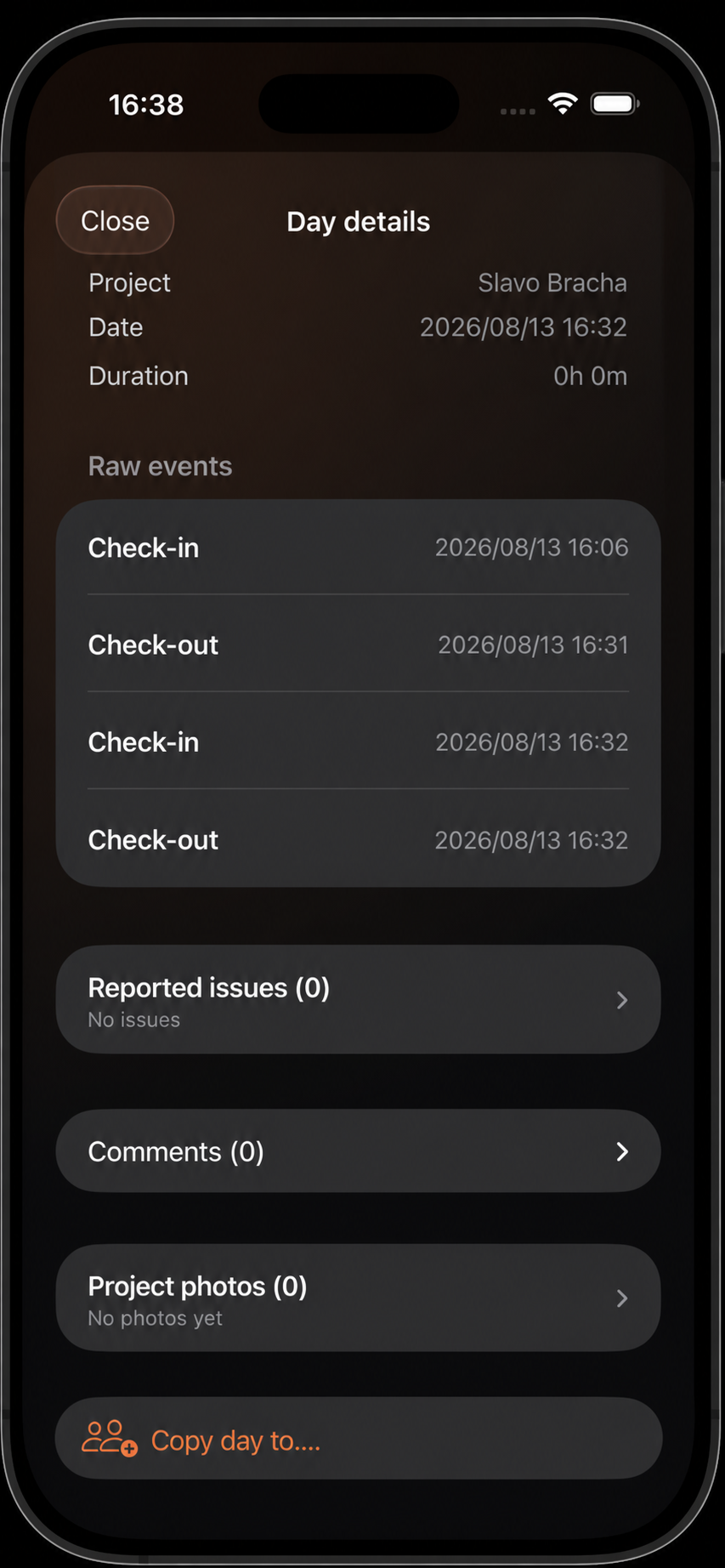
Review the raw events in day detail and select Copy day to.
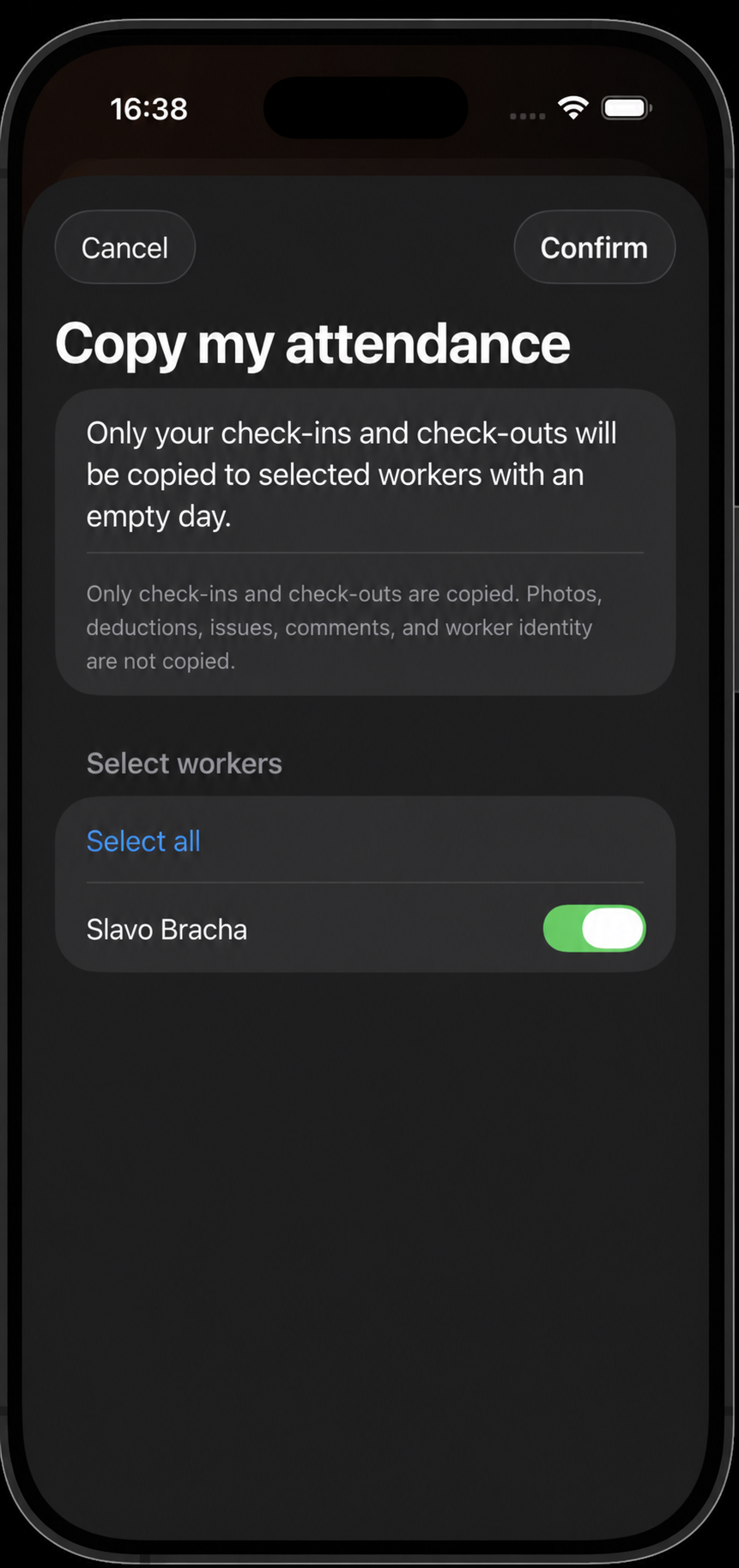
Select workers whose target day is empty, then confirm the copy.