01
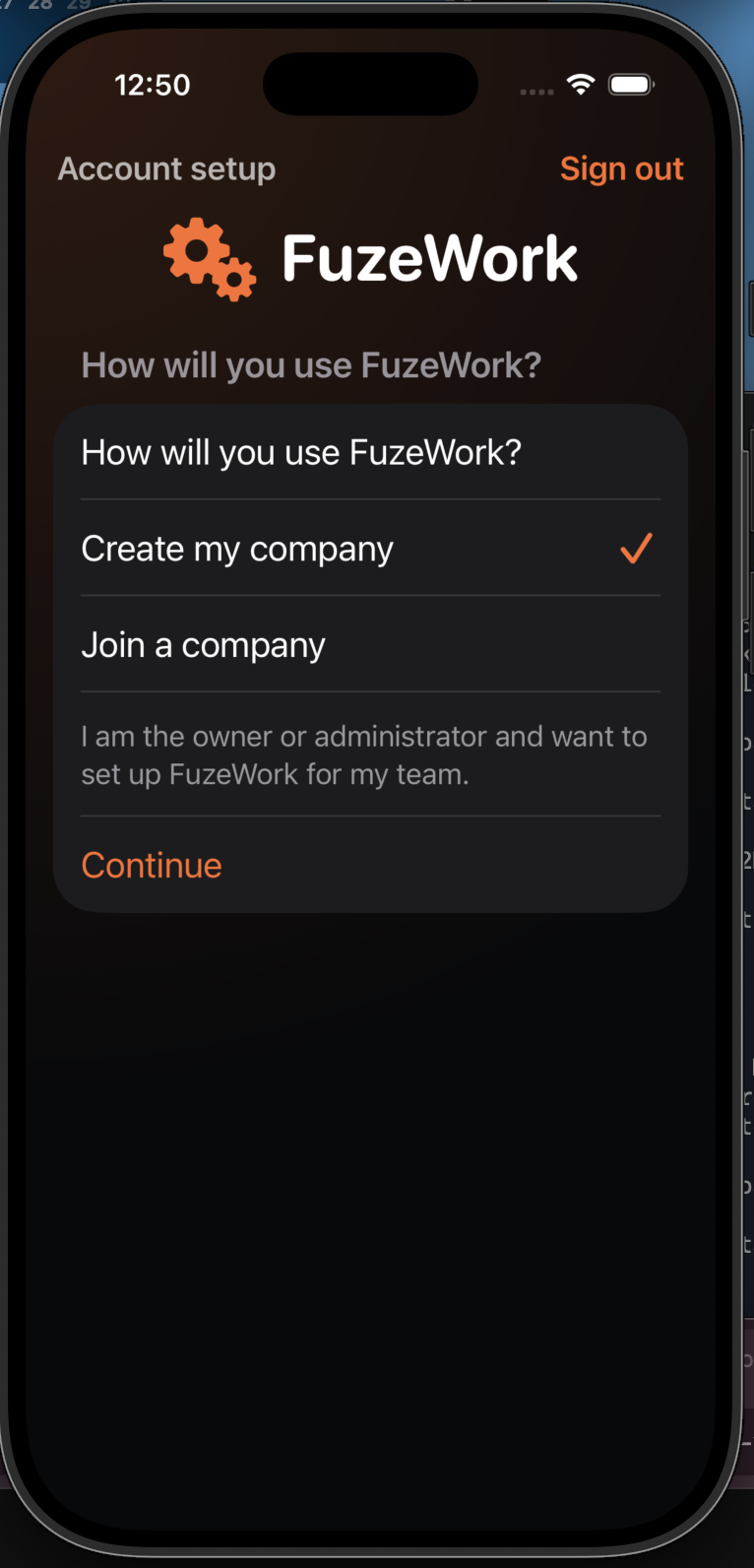
Choose company setup
In account setup, choose the option to create a new company workspace.
This flow covers the company workspace, the administrator’s first screen, and the first project setup.
In account setup, choose the option to create a new company workspace.
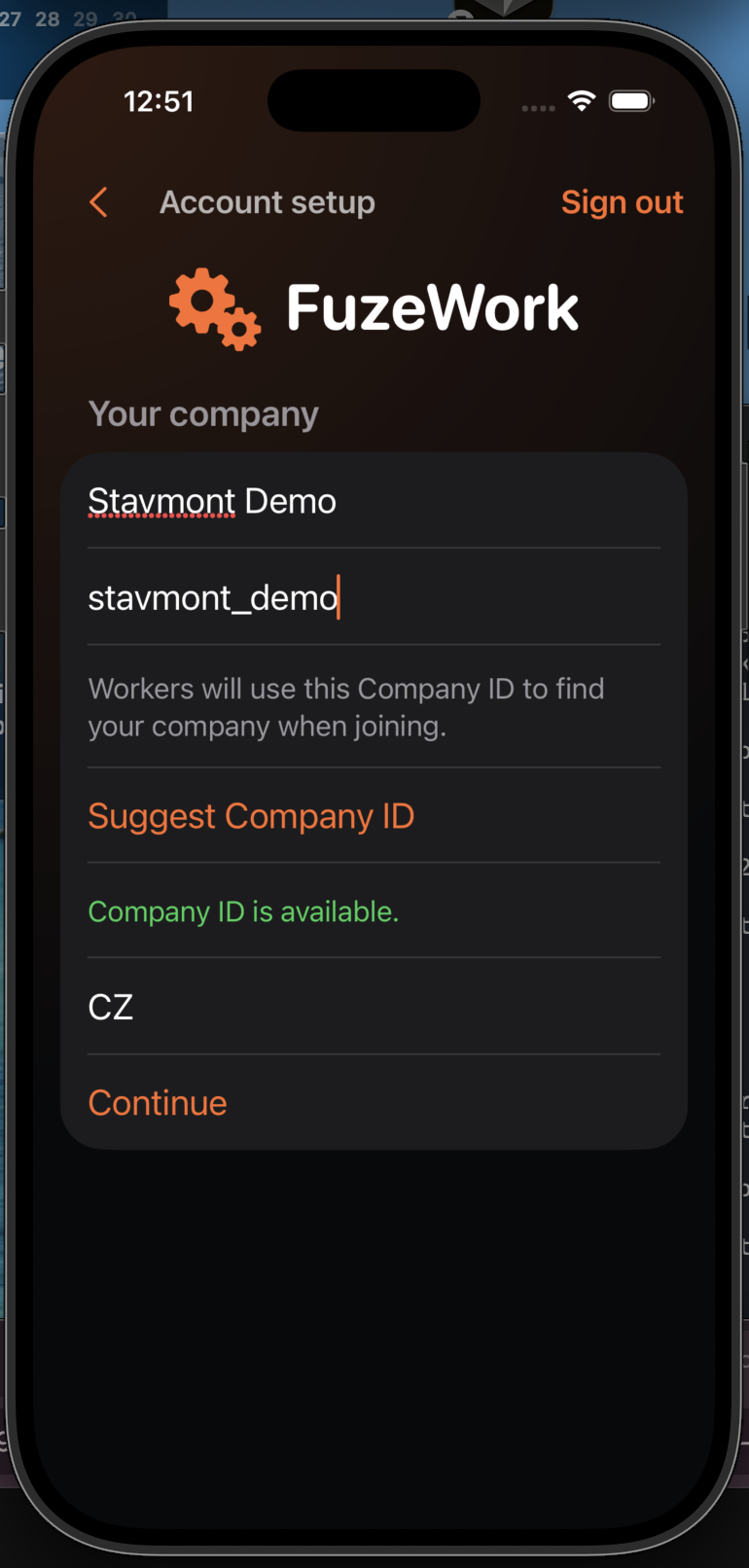
Enter the company name, an available Company ID, and the country. Workers will use the Company ID later.
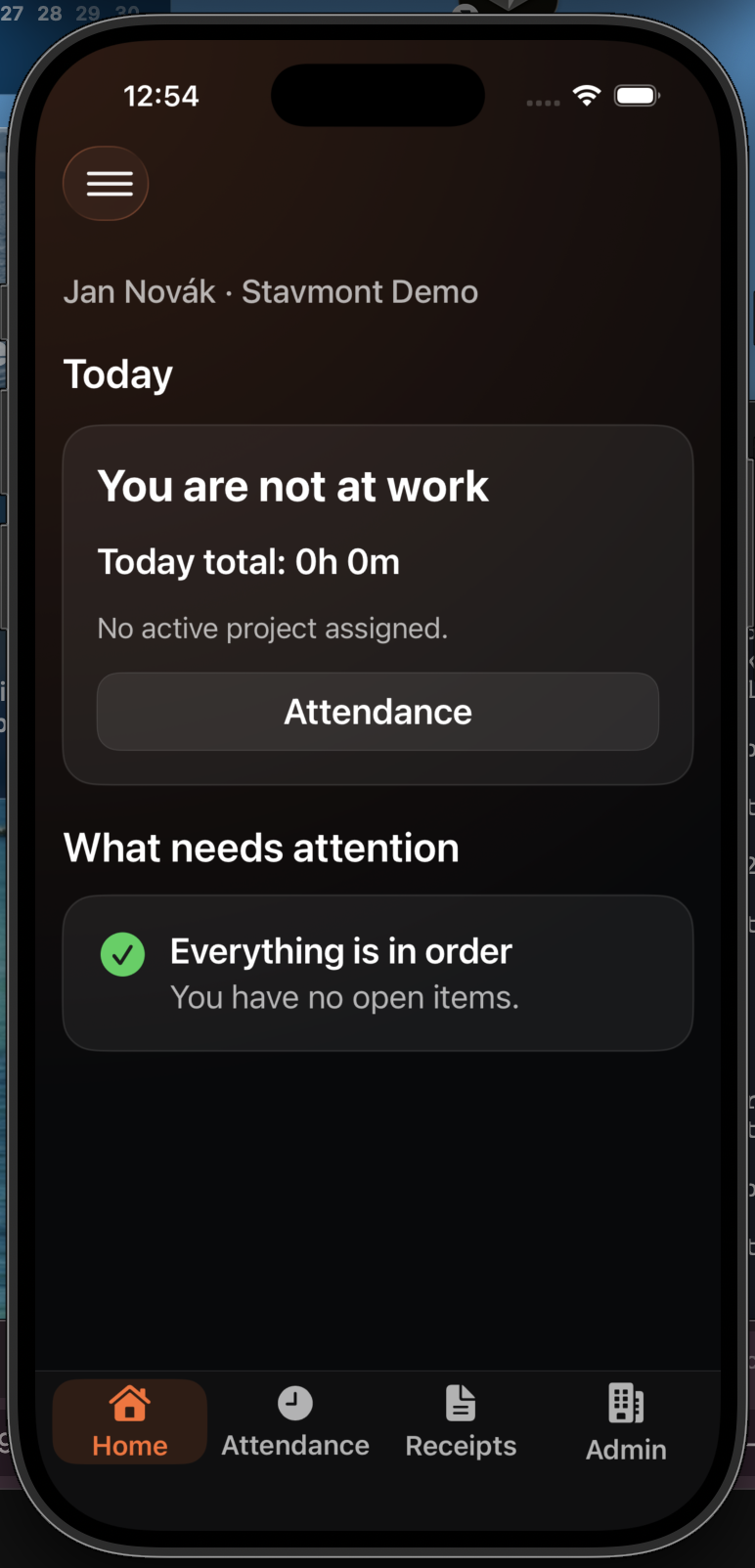
After confirmation, the administrator company overview opens with access to projects and members.
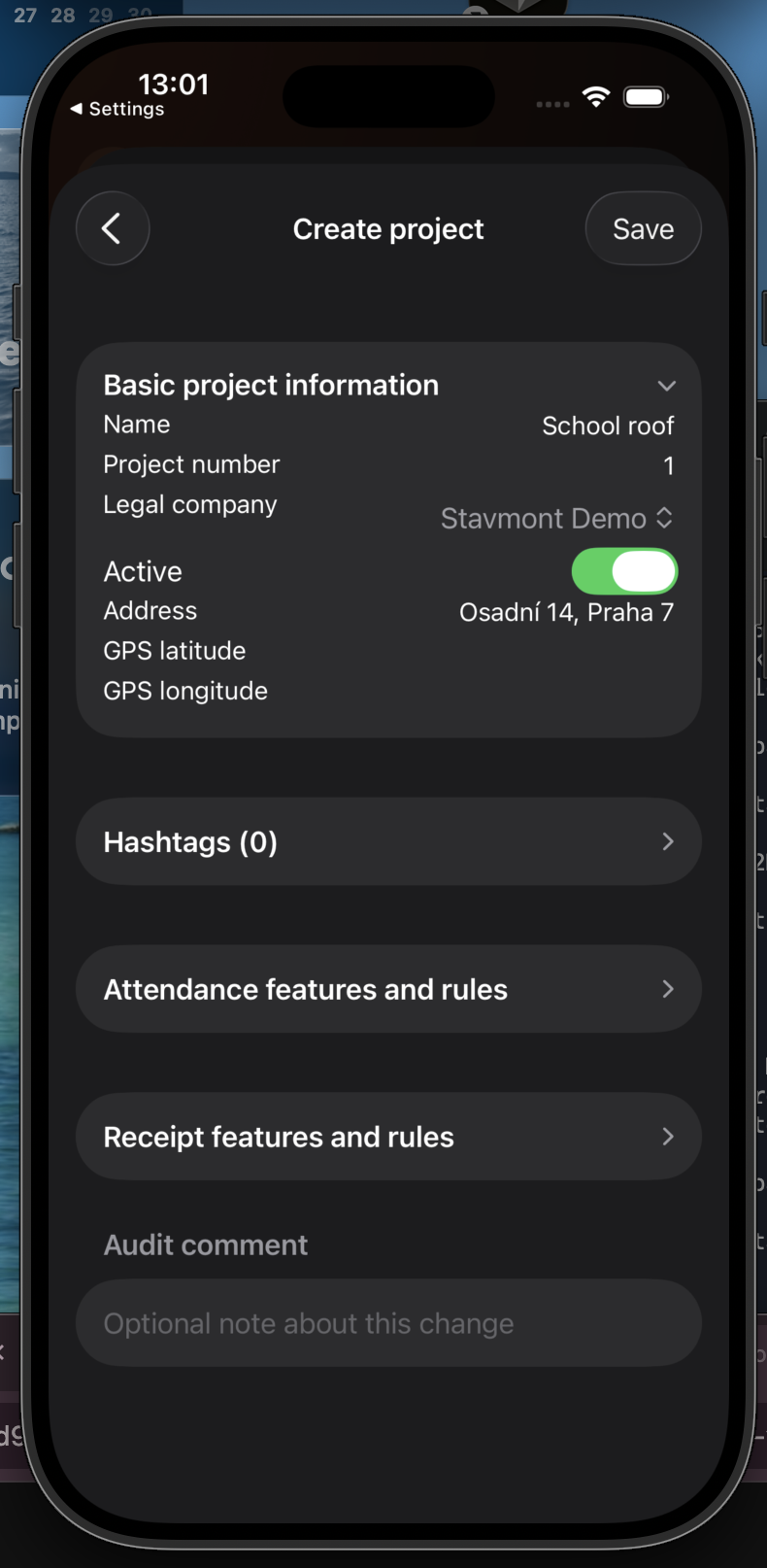
Add the project name, number, address, and the rules needed by your team.
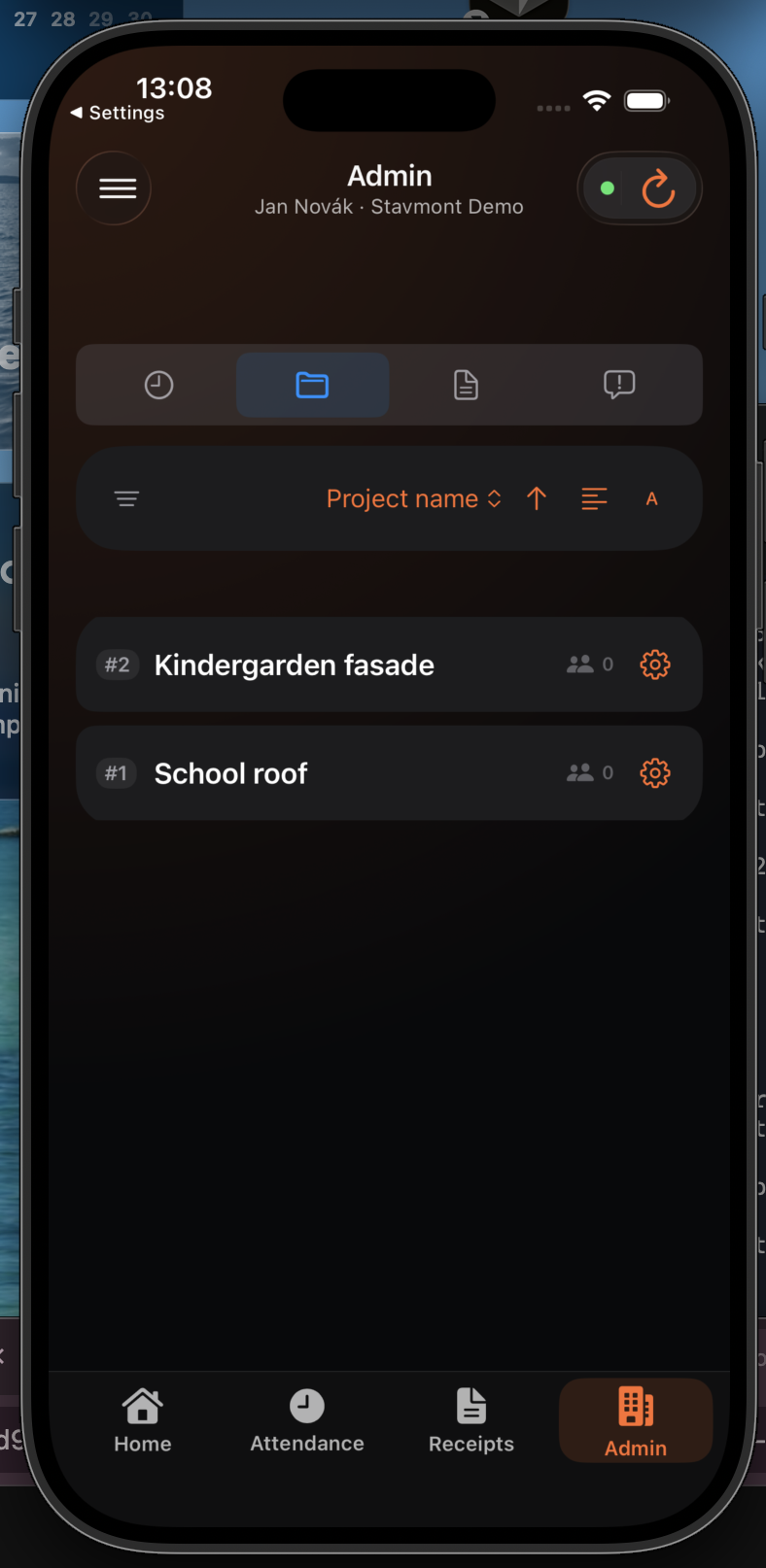
Check that both projects are active and ready to be assigned to workers.