01
Admin
Start with Not exported
In Admin → Receipts, set Accounting export status to Not exported, then add project, period, worker, or other filters. Previously delivered receipts will stay out of the new accounting export.
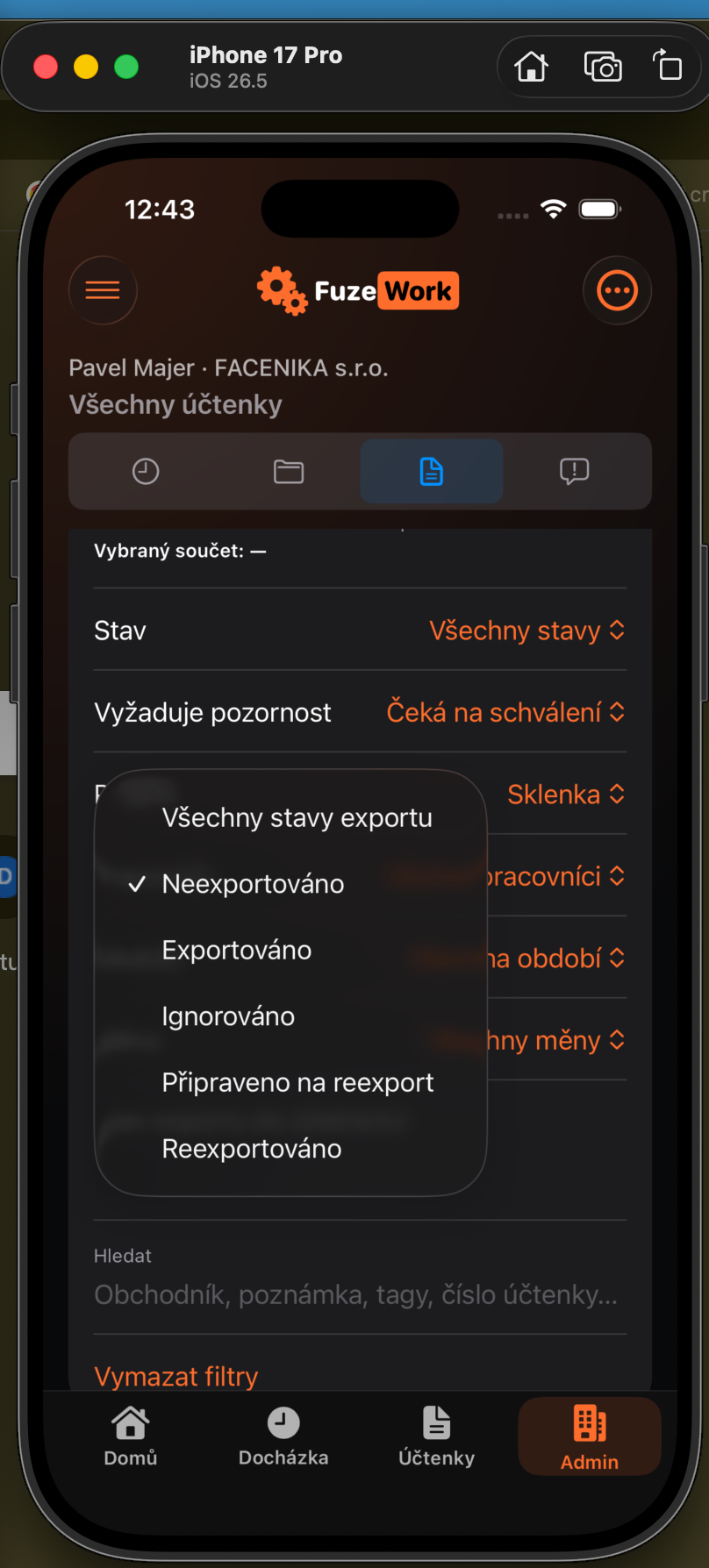
Every receipt records when, by whom, and in which format it was exported for accounting. This makes it easy to keep new documents separate from those already delivered.
In Admin → Receipts, set Accounting export status to Not exported, then add project, period, worker, or other filters. Previously delivered receipts will stay out of the new accounting export.
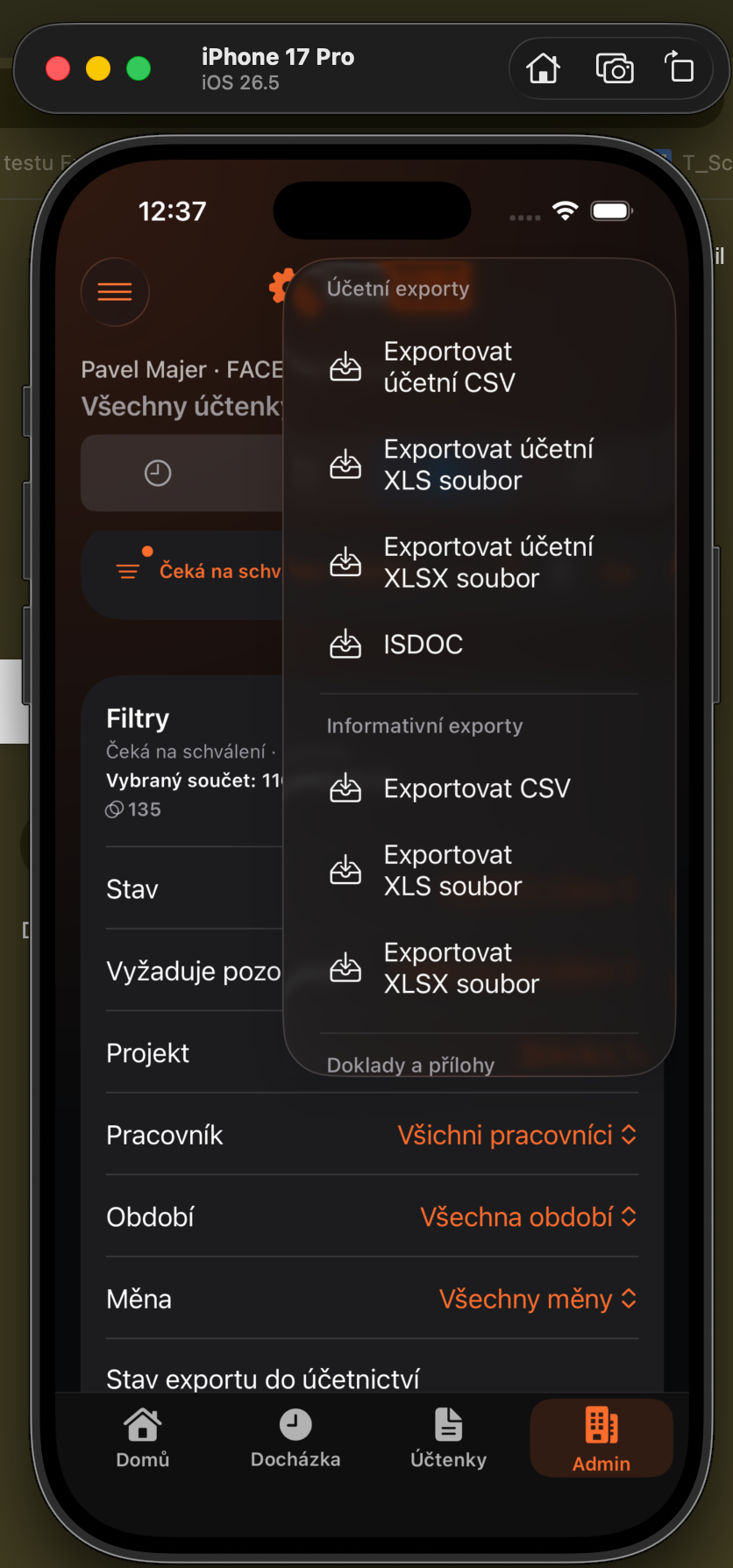
Choose a format under Accounting exports, such as accounting XLSX, CSV, XLS, or ISDOC. A successful export records its time, author, and format on every included receipt.
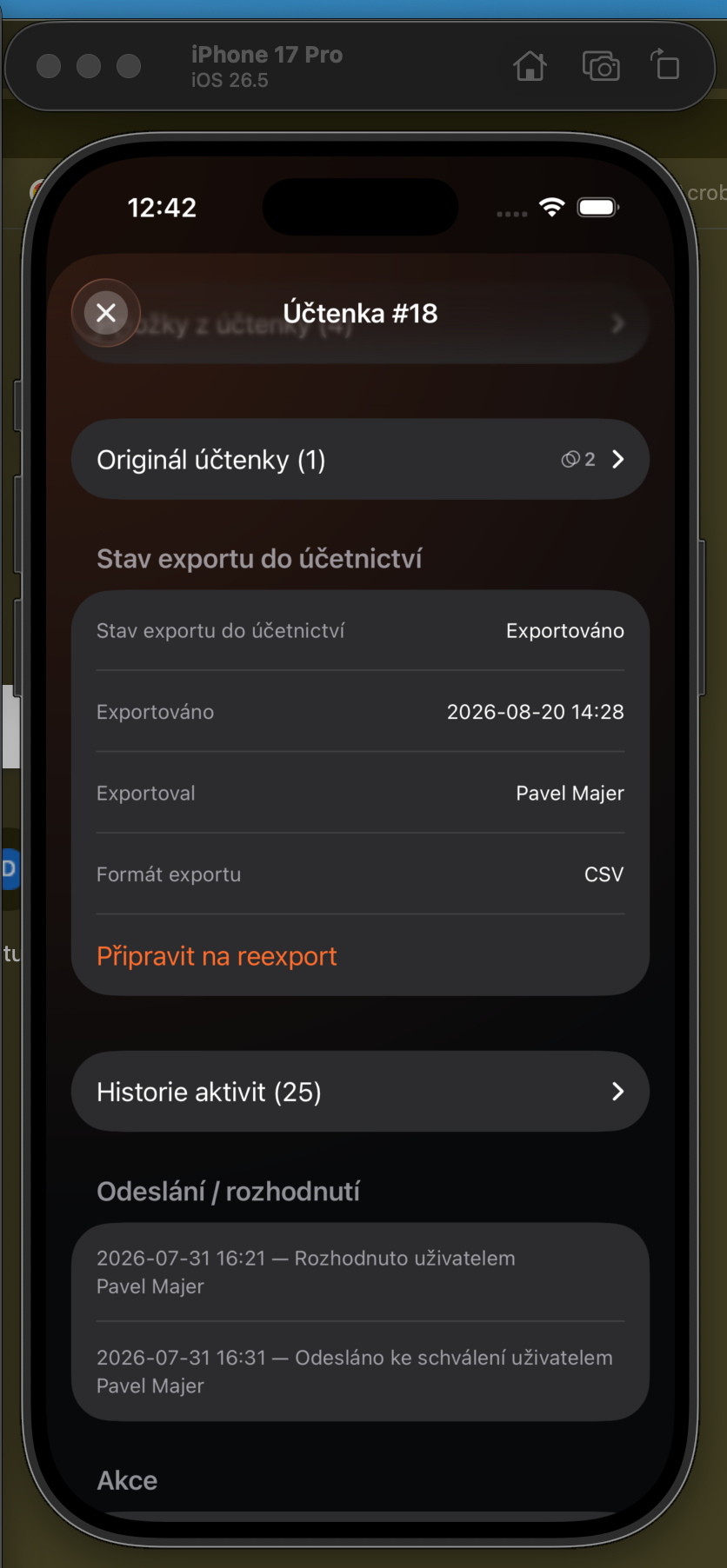
The receipt detail shows accounting export status, date, user, and last format. Choose Prepare for re-export when the receipt must be included in another accounting package.
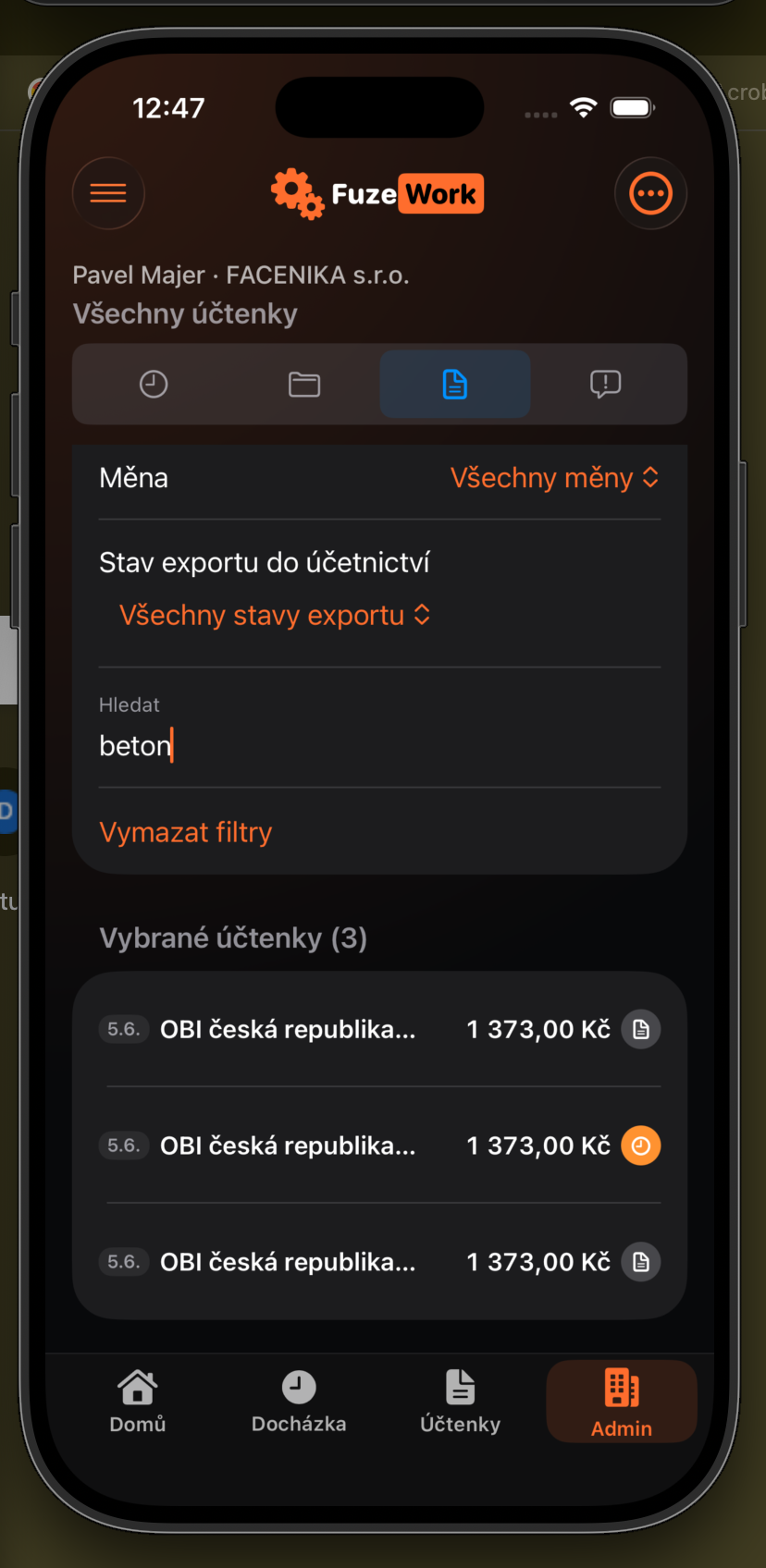
Enter a term such as “concrete” in Search. Recognized receipt items are searched, and matching documents can be narrowed by export status before exporting.