01
Admin
Enable the module and formats
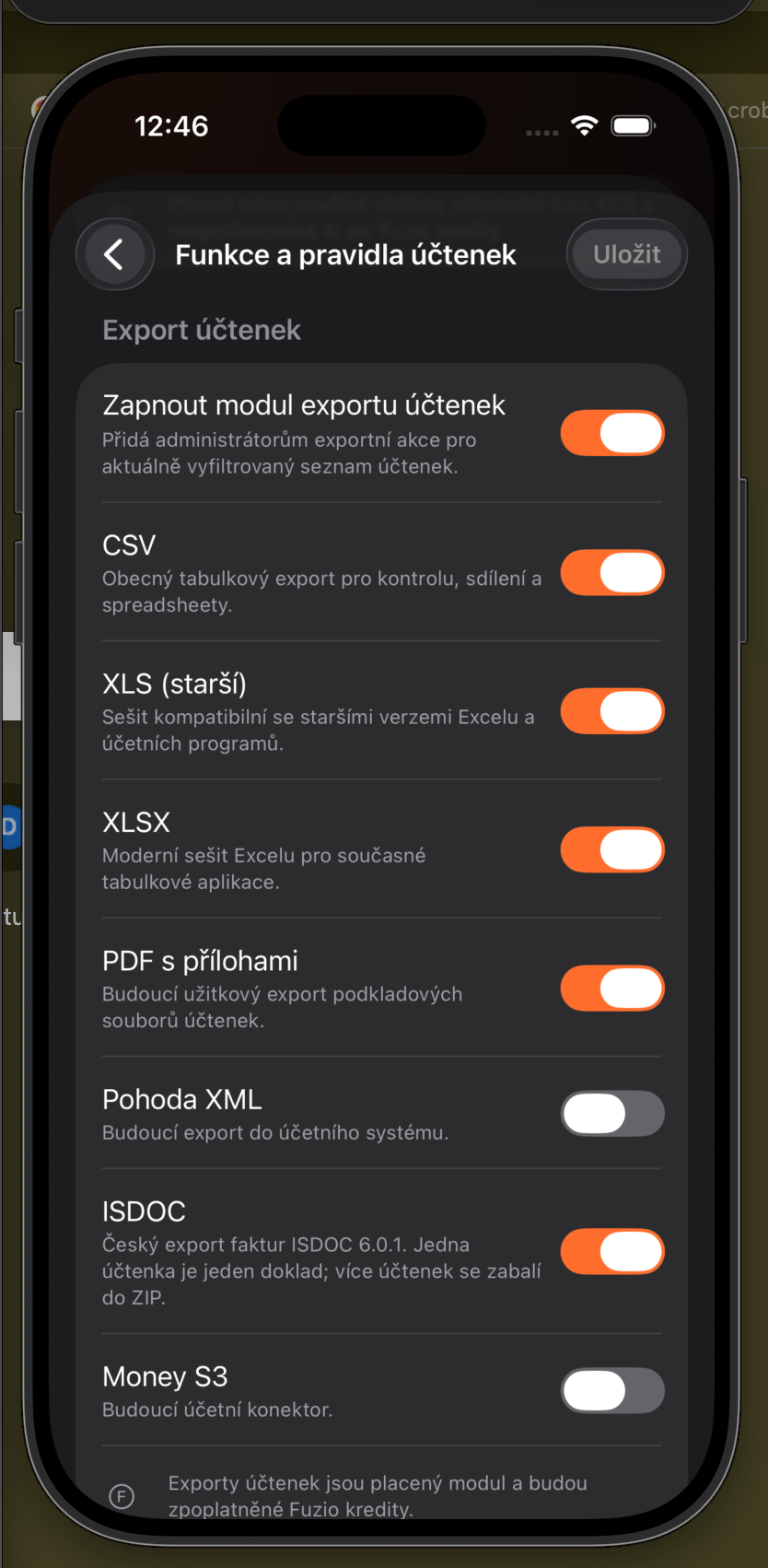
In Receipt features and rules, enable the export module and each format you want to offer. Leave unused or future formats off, then save the changes.
Administrators decide whether receipt exports are available and which formats users may choose. Export history keeps generated files together.
In Receipt features and rules, enable the export module and each format you want to offer. Leave unused or future formats off, then save the changes.
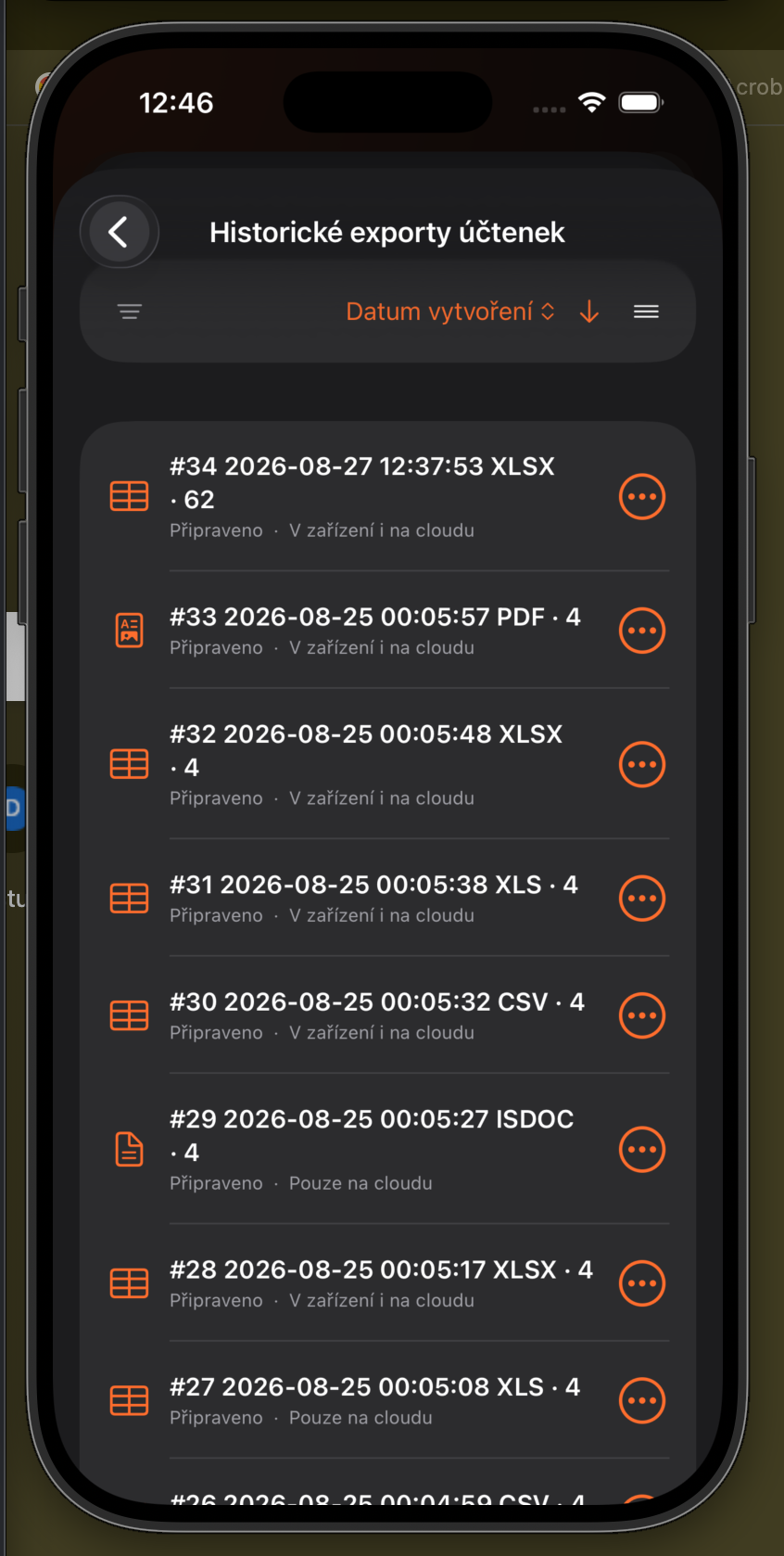
Choose View receipt exports from the export menu. The list shows format, receipt count, preparation status, and whether the file is on the device or in the cloud. It can be sorted by creation date.
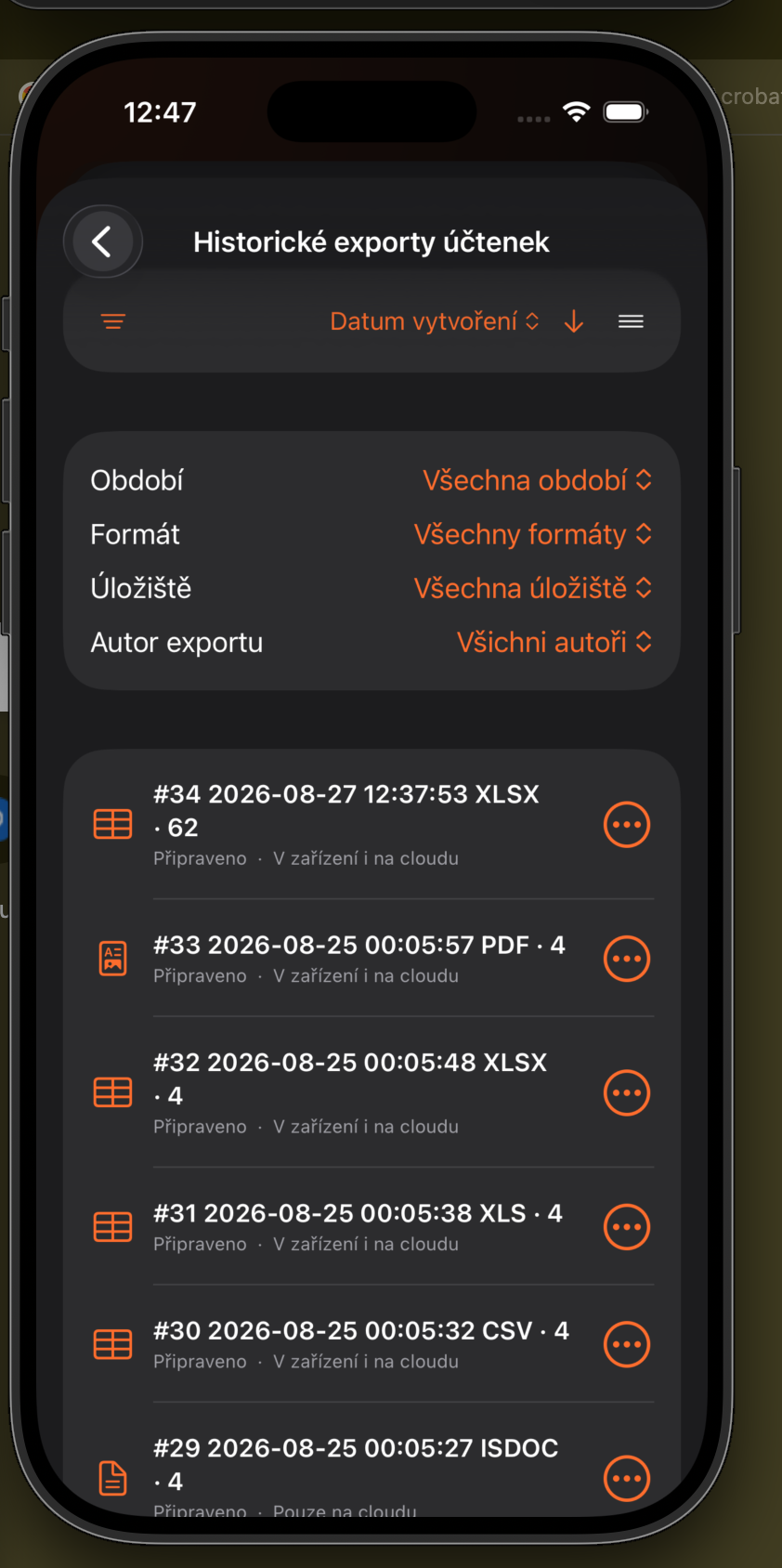
Expand filters to narrow by period, format, storage, or export author. Use the arrow in the toolbar to reverse the sort order.
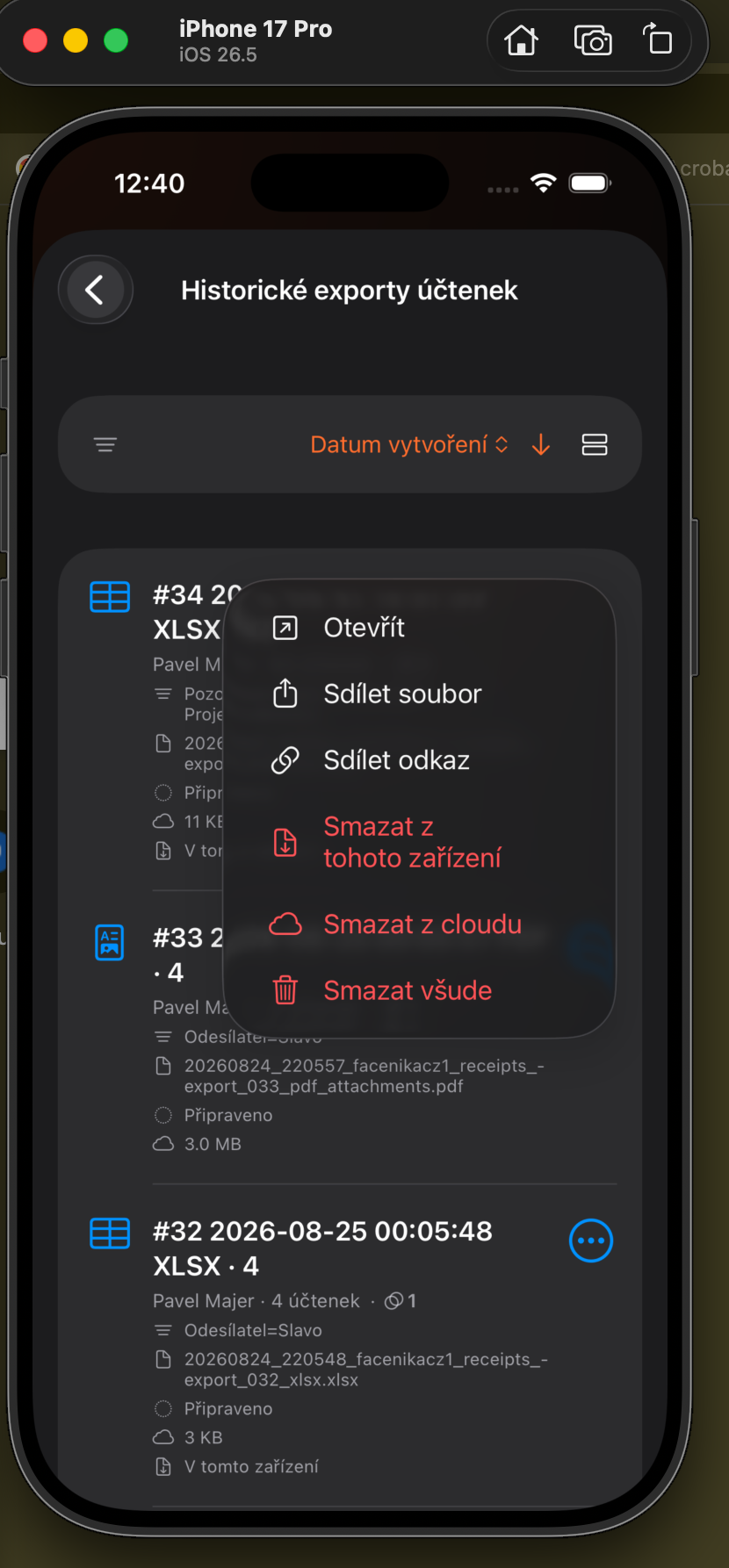
Use the three-dot menu to open a file, share it as a file or link, or delete it from the device, cloud, or both.