01
Team lead
Choose a project and open team attendance
On Home or Attendance, select the project and tap Check in–check out colleagues. The action is available to leads allowed to manage live team attendance.
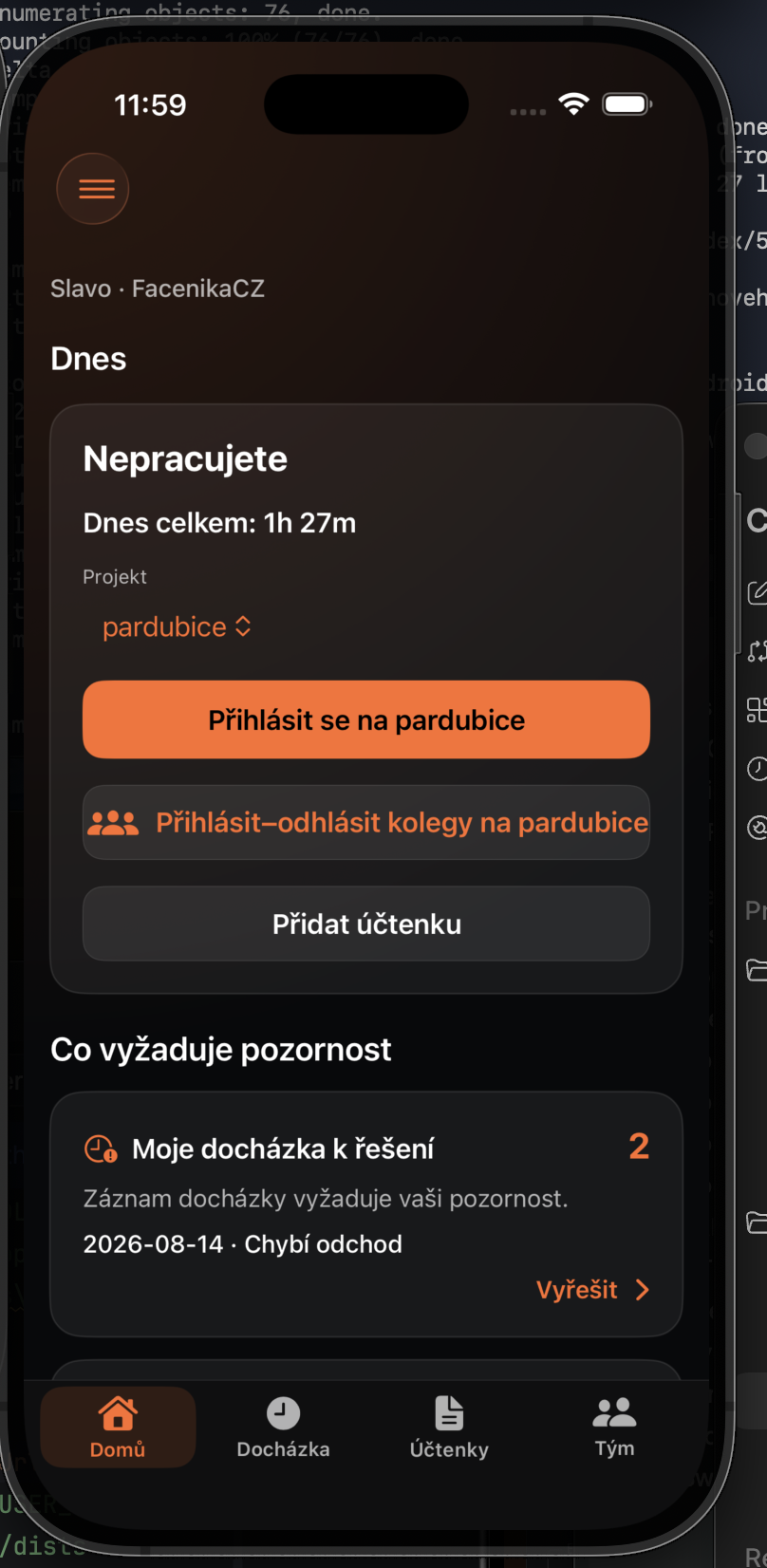
Record a shared arrival or departure for a team working on the same project.
On Home or Attendance, select the project and tap Check in–check out colleagues. The action is available to leads allowed to manage live team attendance.
Use Everyone arrived or Everyone left, or select only specific members. The screen shows each worker’s current state.
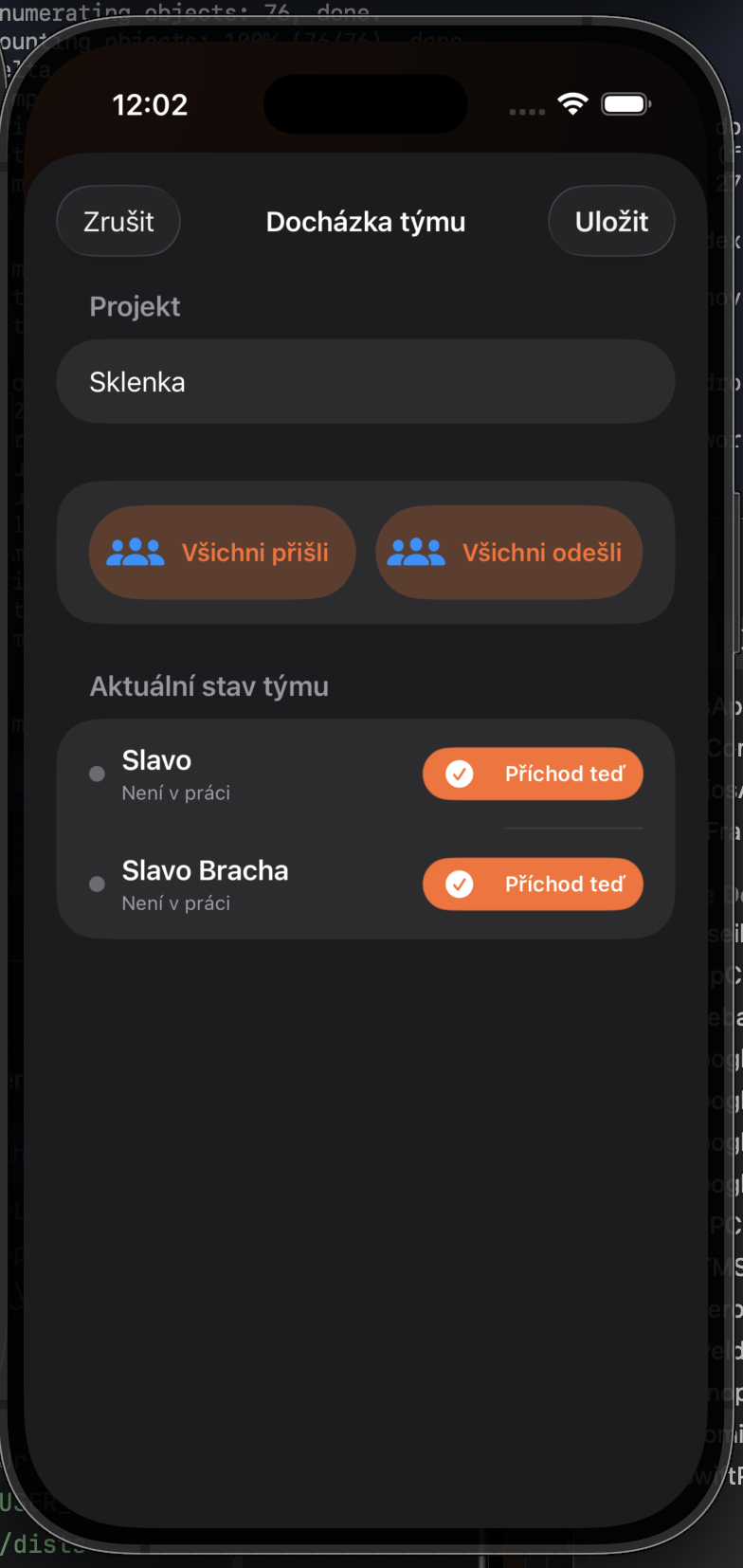
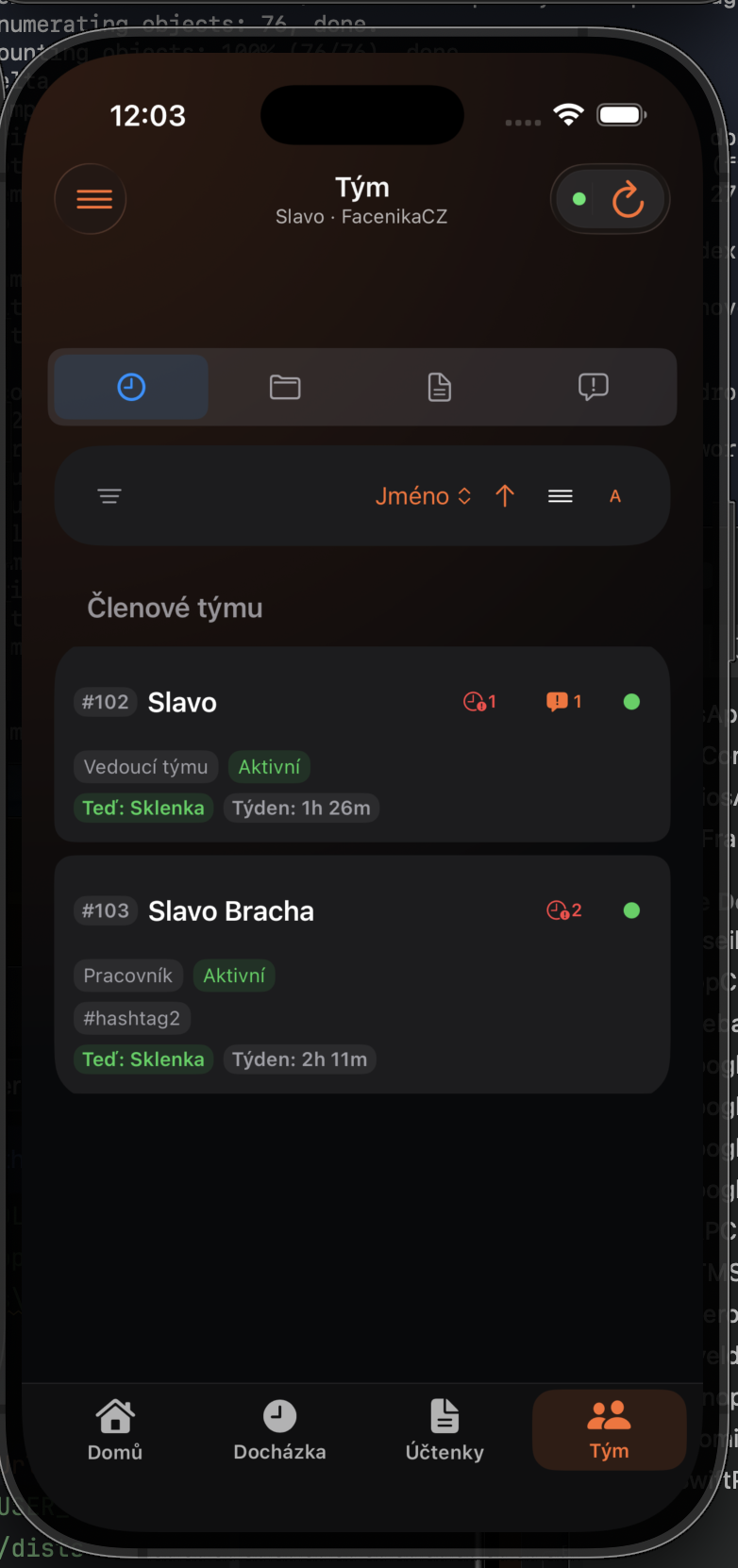
Check the project, time, and names in the confirmation. After saving, the Team dashboard shows a green indicator for everyone currently at work.