01
Admin
Open Team management
Open the hamburger menu and select Team management. Tap plus to create a team, or open an existing row to edit it.
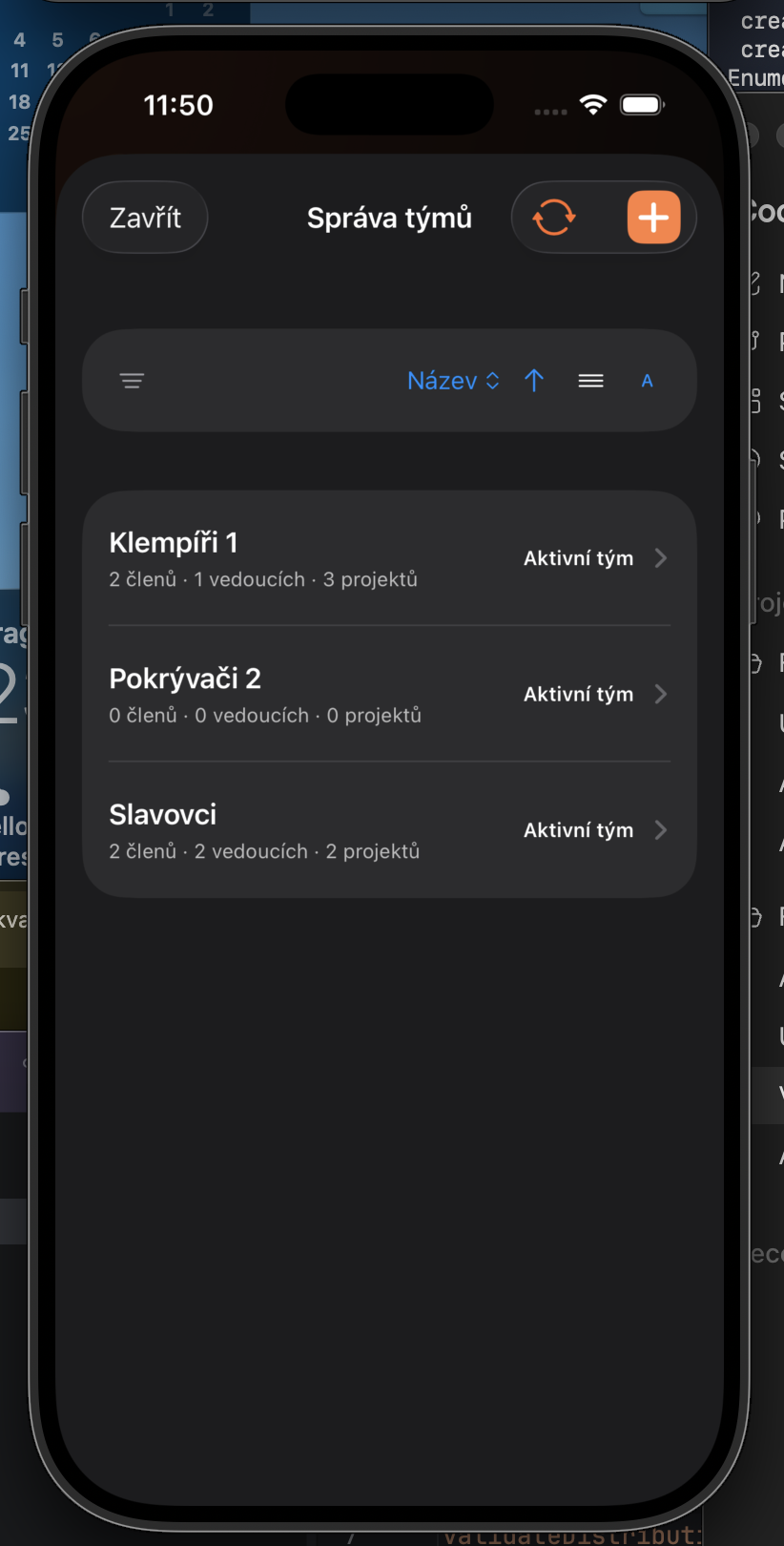
Create a team, assign members and projects, and grant team leads only the permissions they need.
Open the hamburger menu and select Team management. Tap plus to create a team, or open an existing row to edit it.
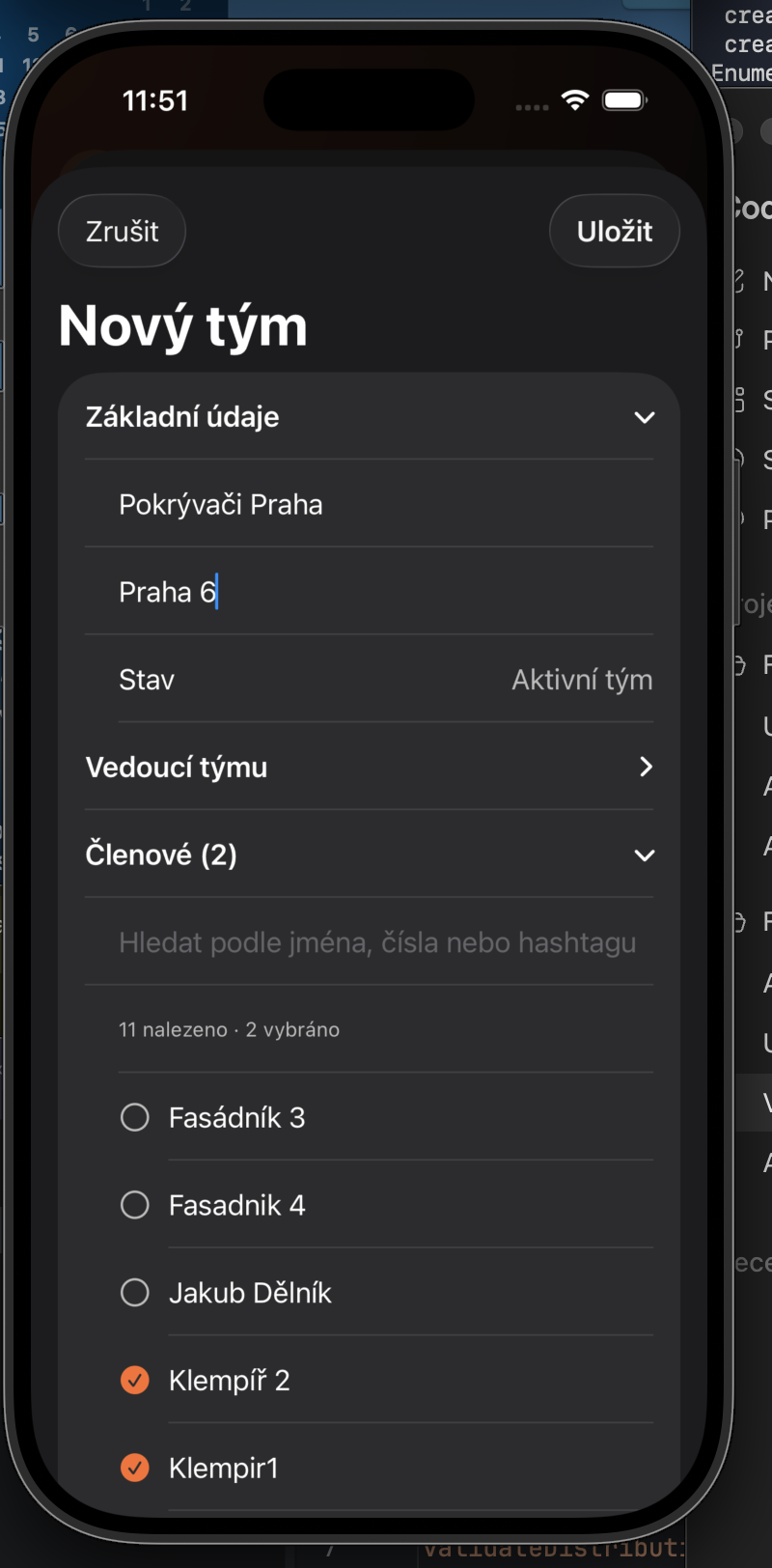
Enter a name and an optional description. In Members, select the workers who belong to the team.
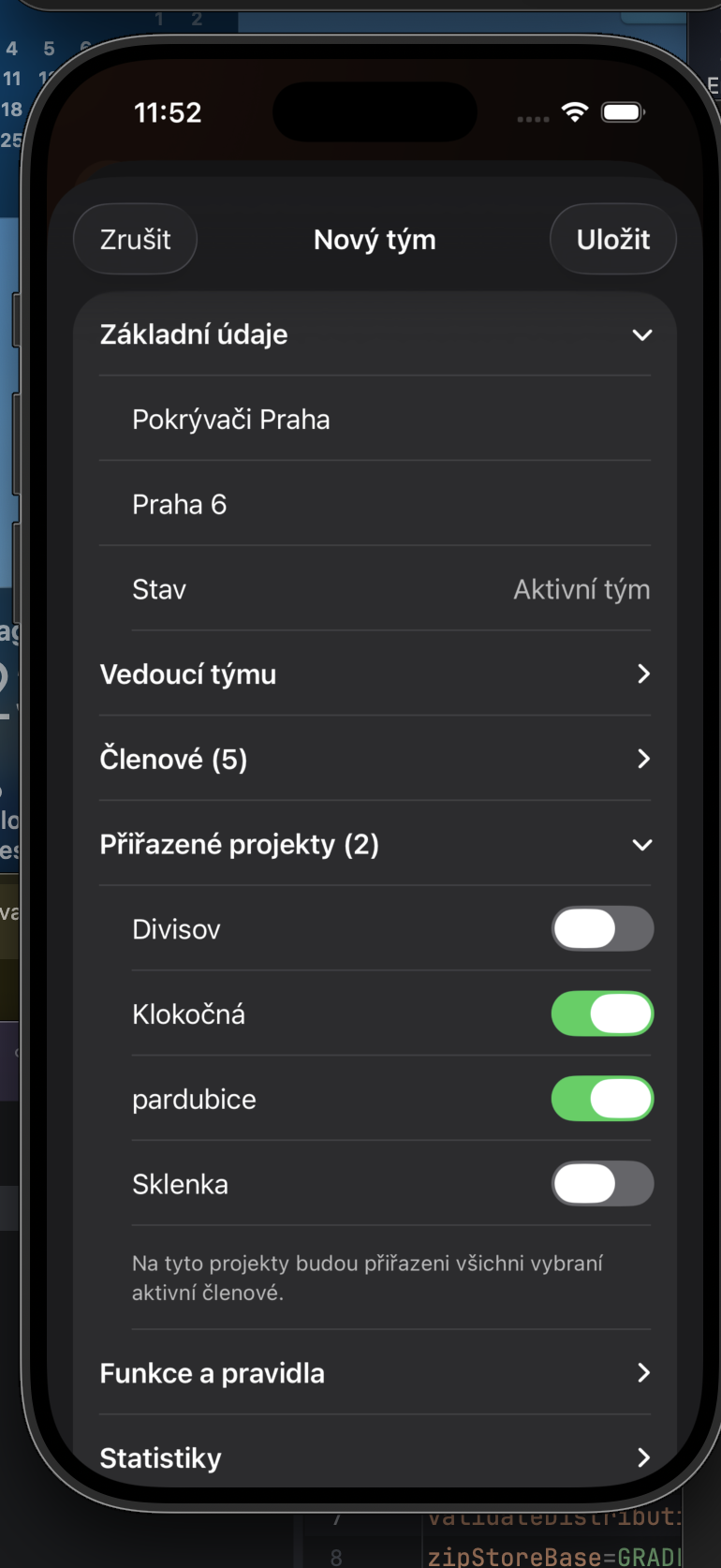
In Assigned projects, enable the projects where the team will work. Selected active members are assigned to those projects.
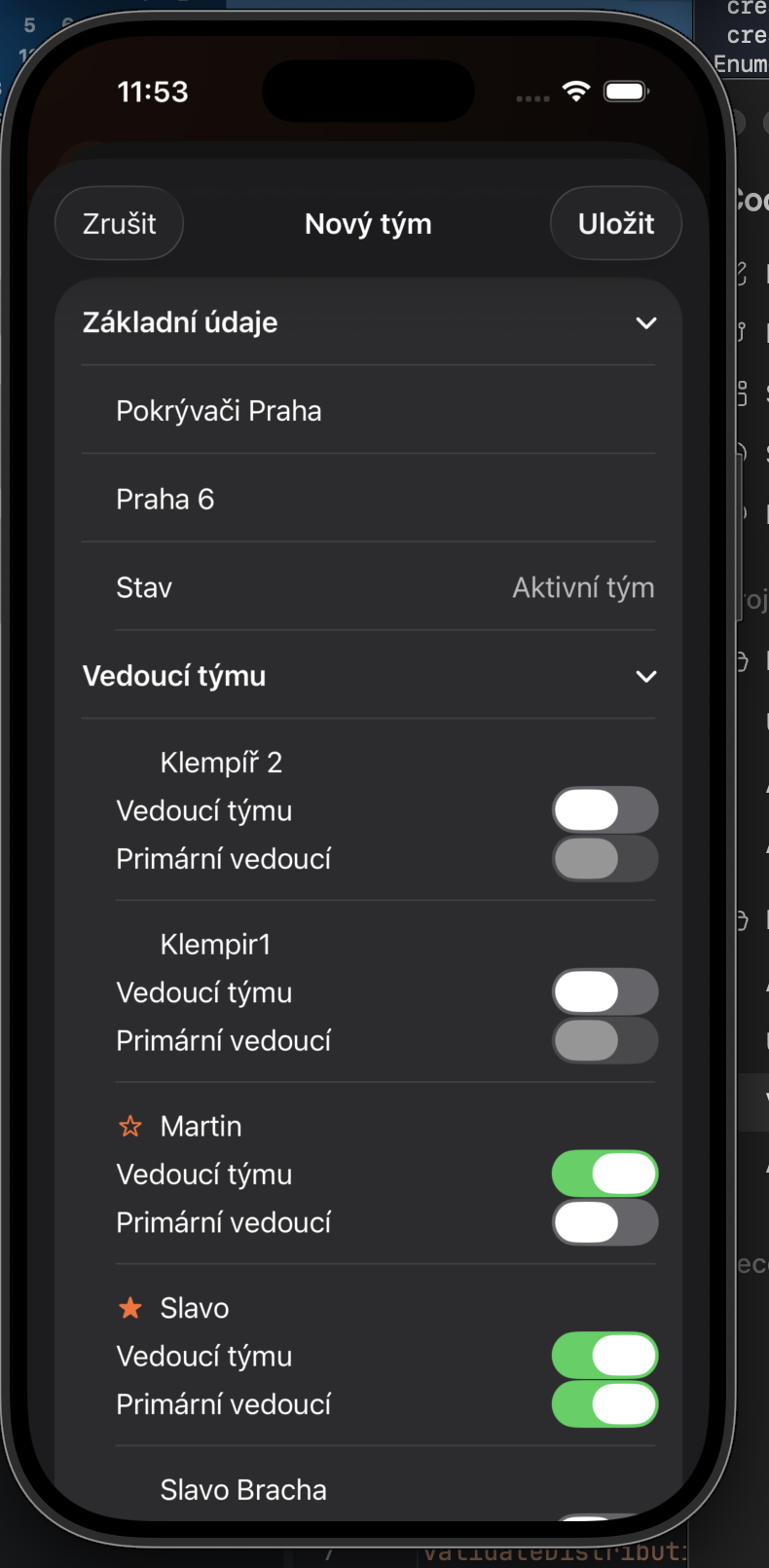
A team can have more than one lead. Enable Team lead for the relevant people and optionally mark one as the primary lead, then save the team.
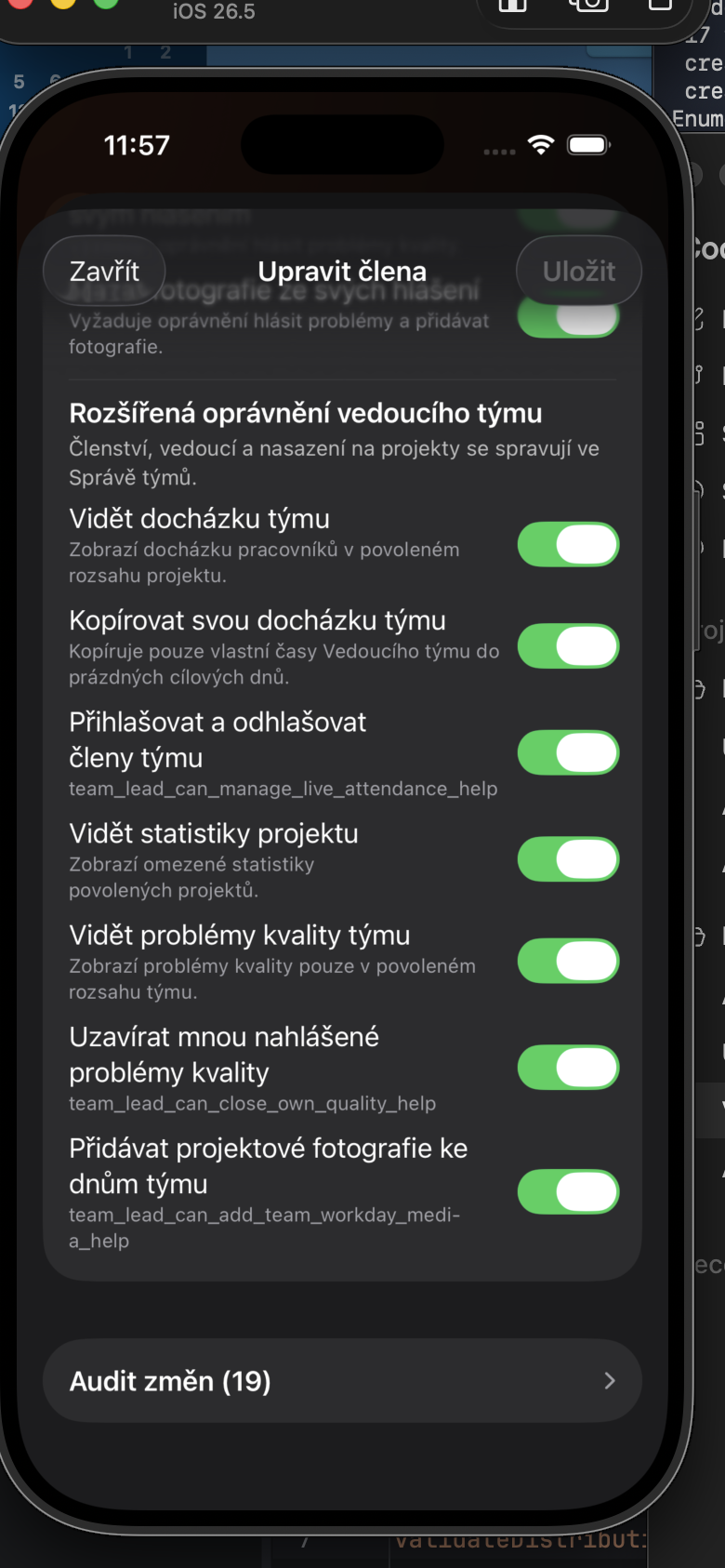
Open Member management from the hamburger menu, tap the gear for the lead, and choose whether they can view team attendance, copy their attendance, manage live attendance, handle quality issues, or add project photos.