01
Team lead
Select one worker
Open Team attendance for the correct project. Select Check in now or Check out now for the person concerned and leave the other members unchanged.
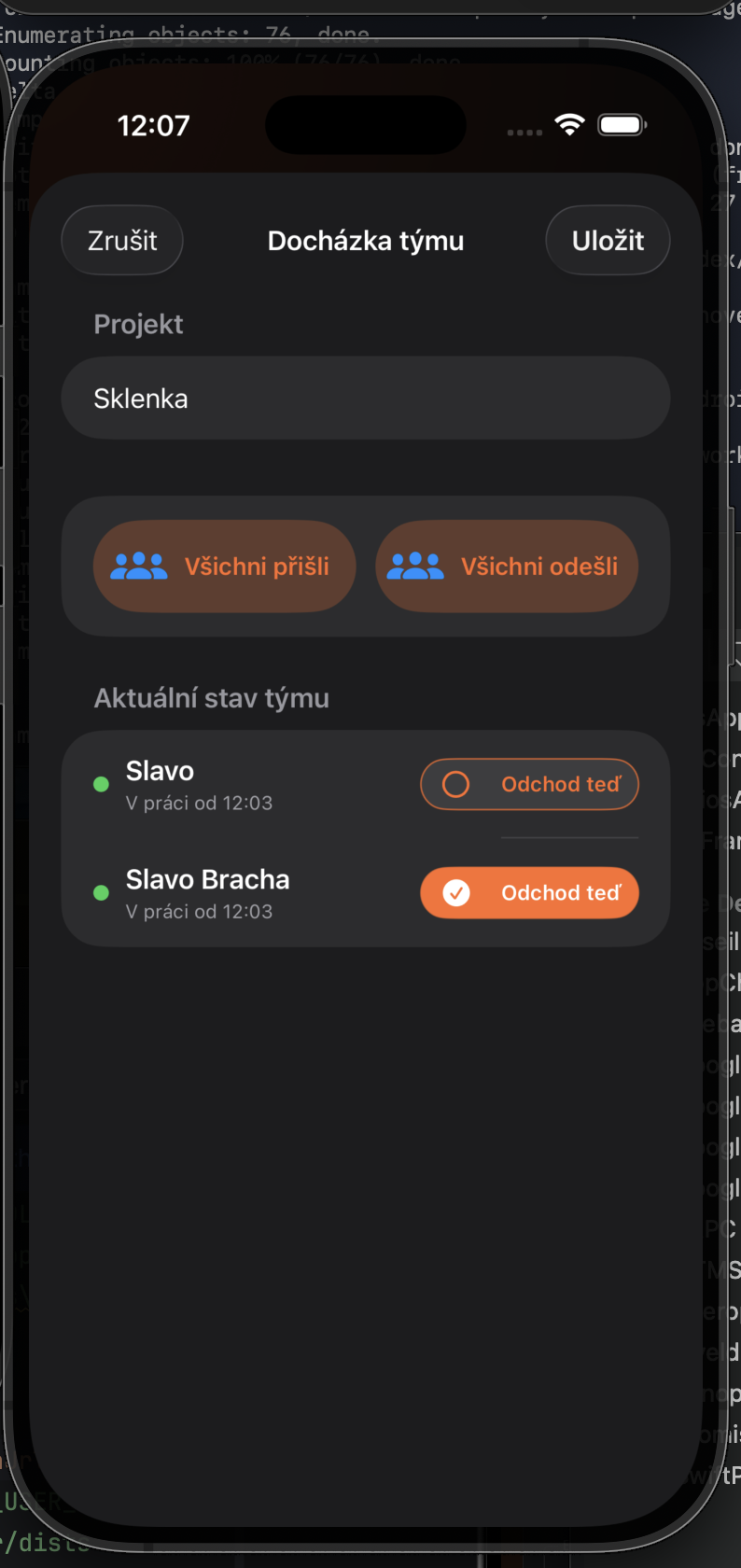
Change one worker’s status while the rest of the team remains at work.
Open Team attendance for the correct project. Select Check in now or Check out now for the person concerned and leave the other members unchanged.
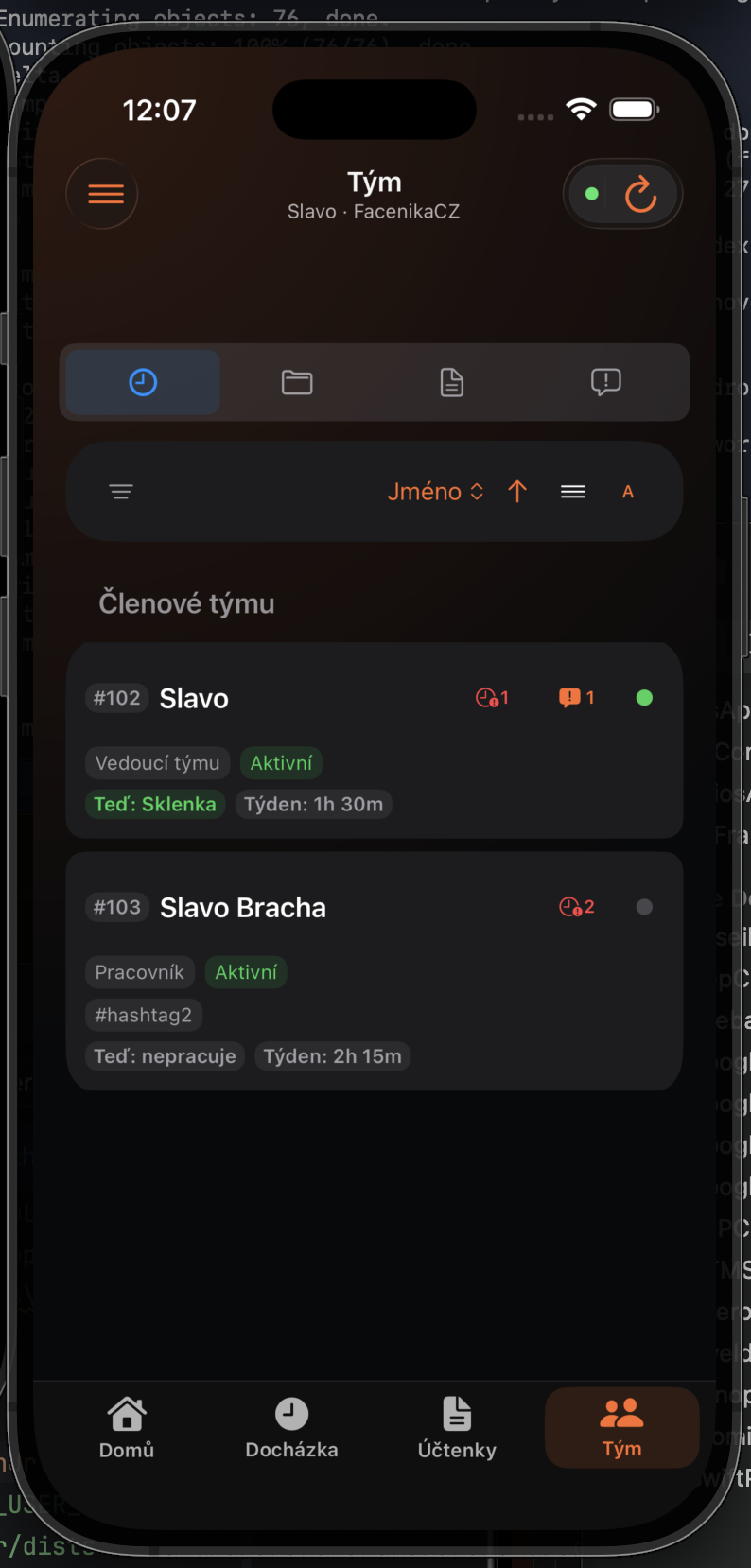
Confirm the person, project, and time. In the Team dashboard, the green indicator remains only for workers who are still at work.