01
Team lead
Start on Home
On Home, start or end your own shift and immediately see items that need action.
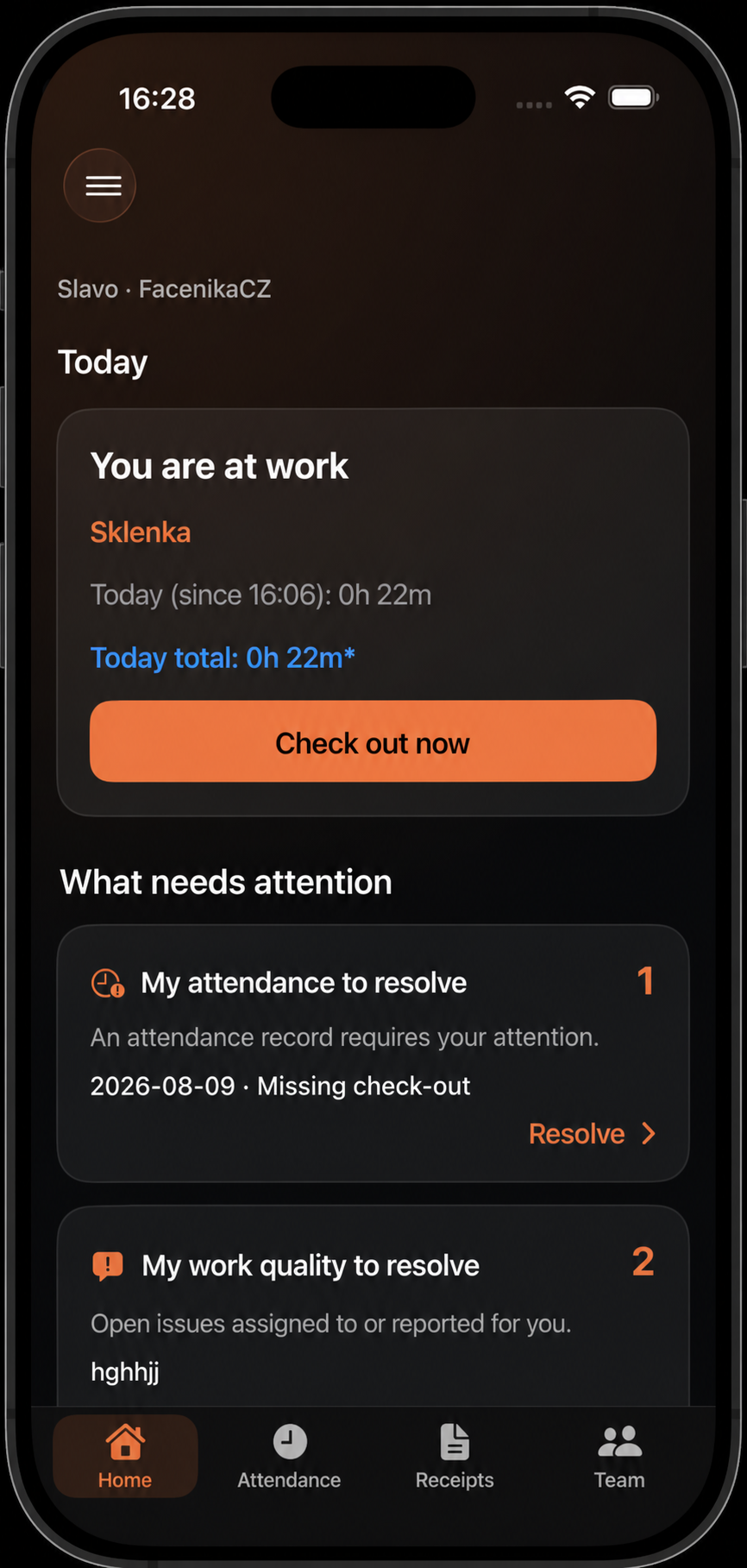
A team lead gets their own shift, action items, and the current state of permitted team members in one place.
On Home, start or end your own shift and immediately see items that need action.
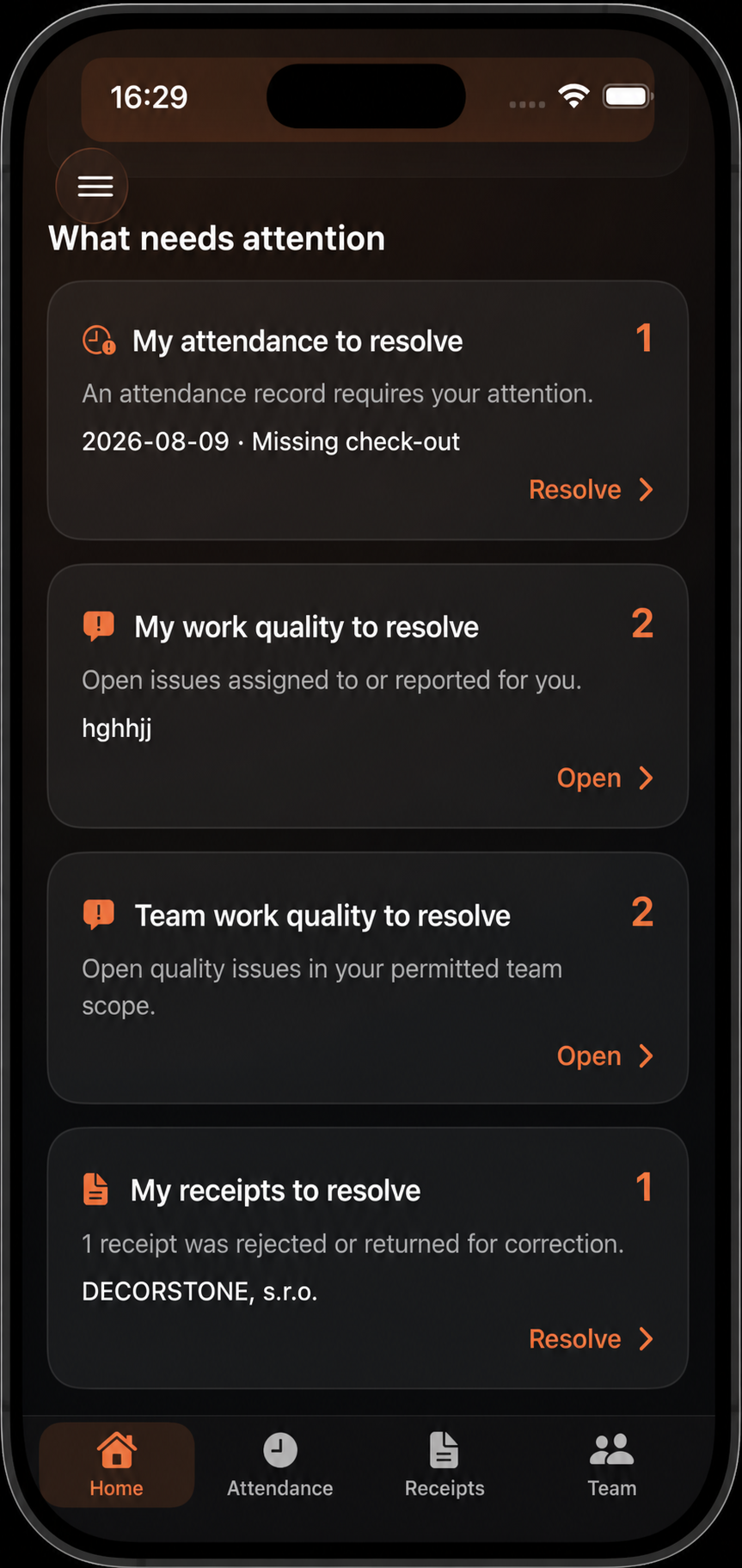
Dedicated cards keep your attendance and issues separate from issues assigned to your team.
A green dot marks an active shift. Each card can show the current project, role, hashtags, and quick totals.
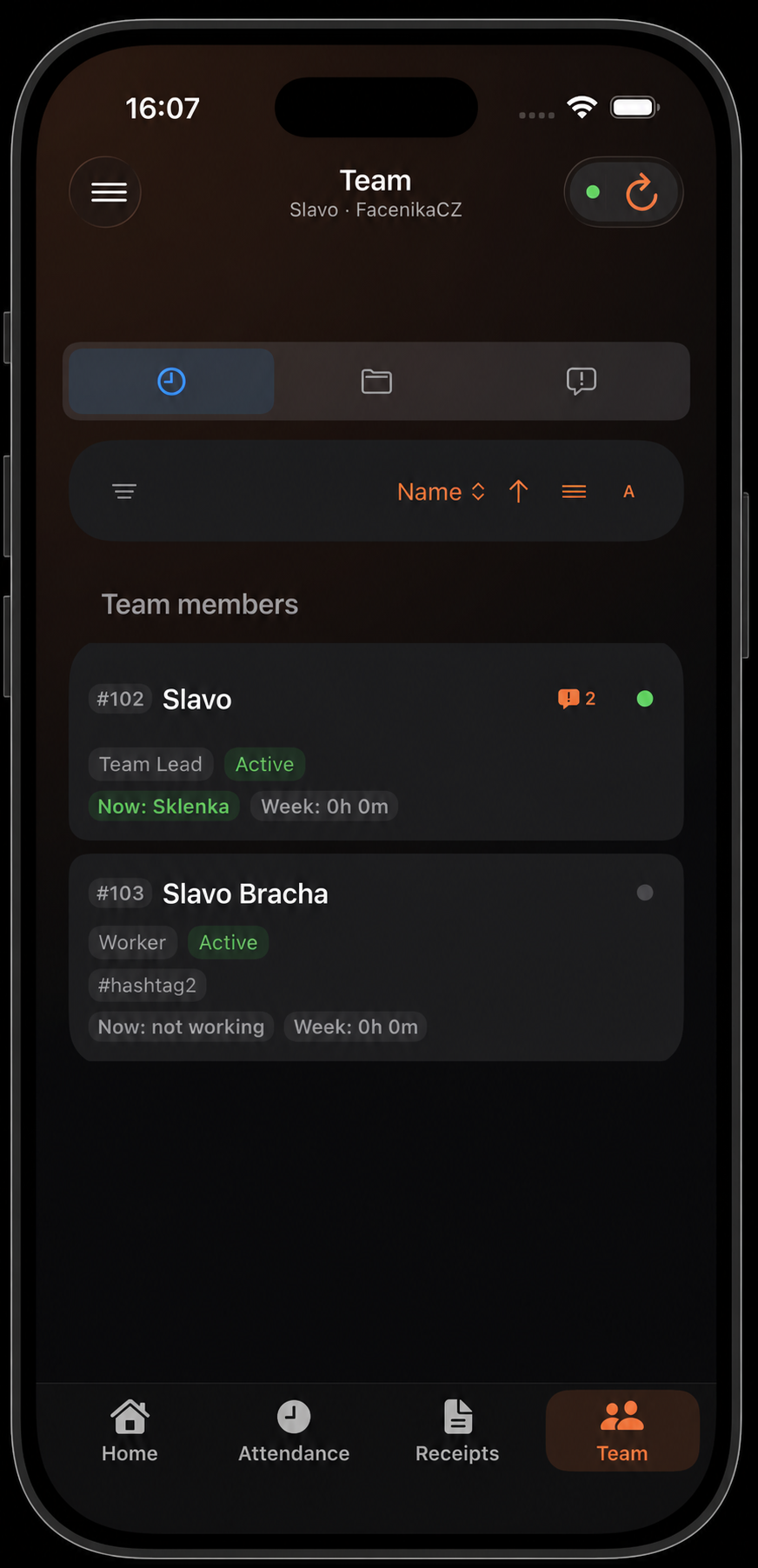
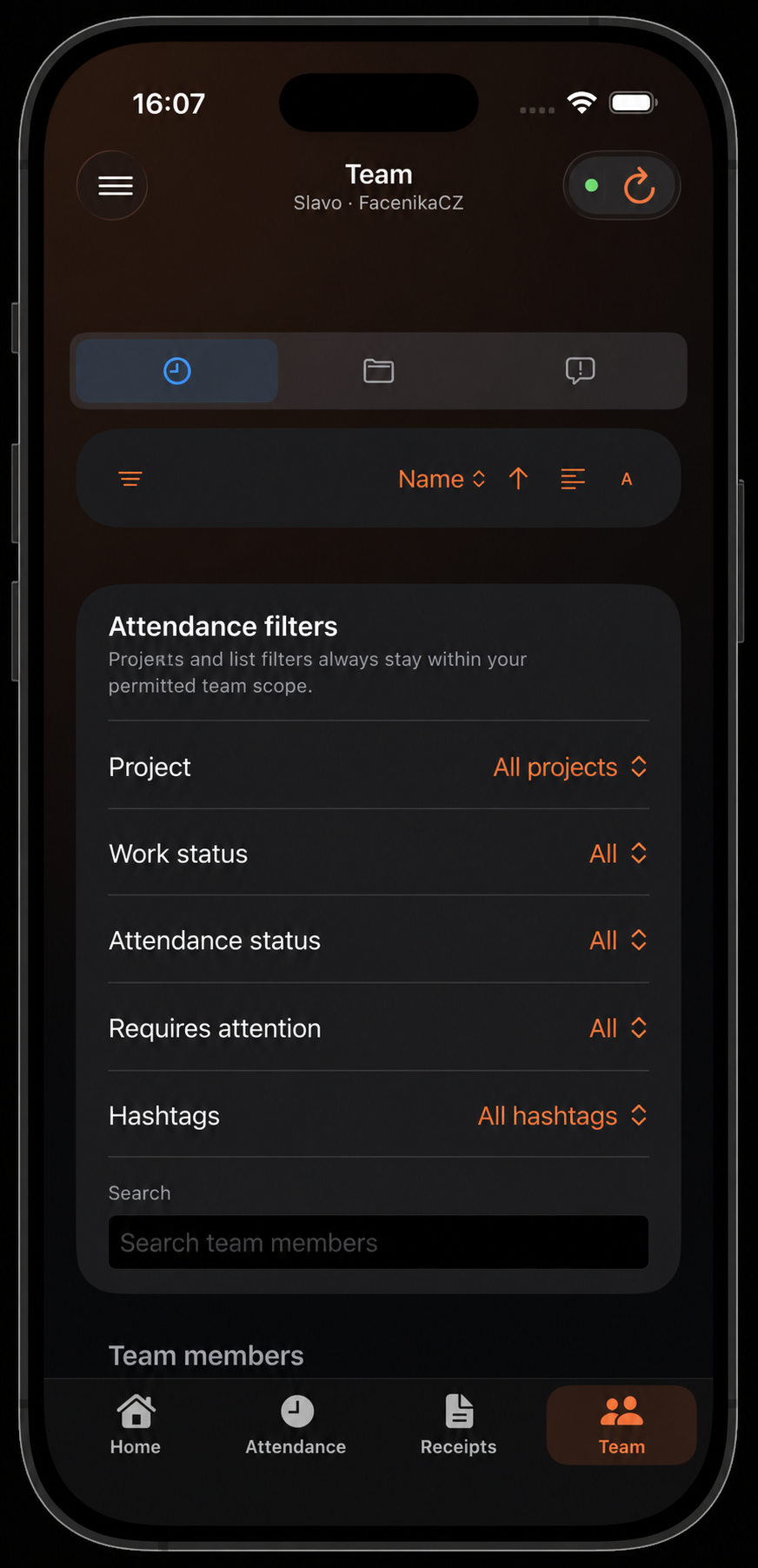
Filter by project, work and attendance state, attention, or hashtag. You can also search by name and change the sorting.
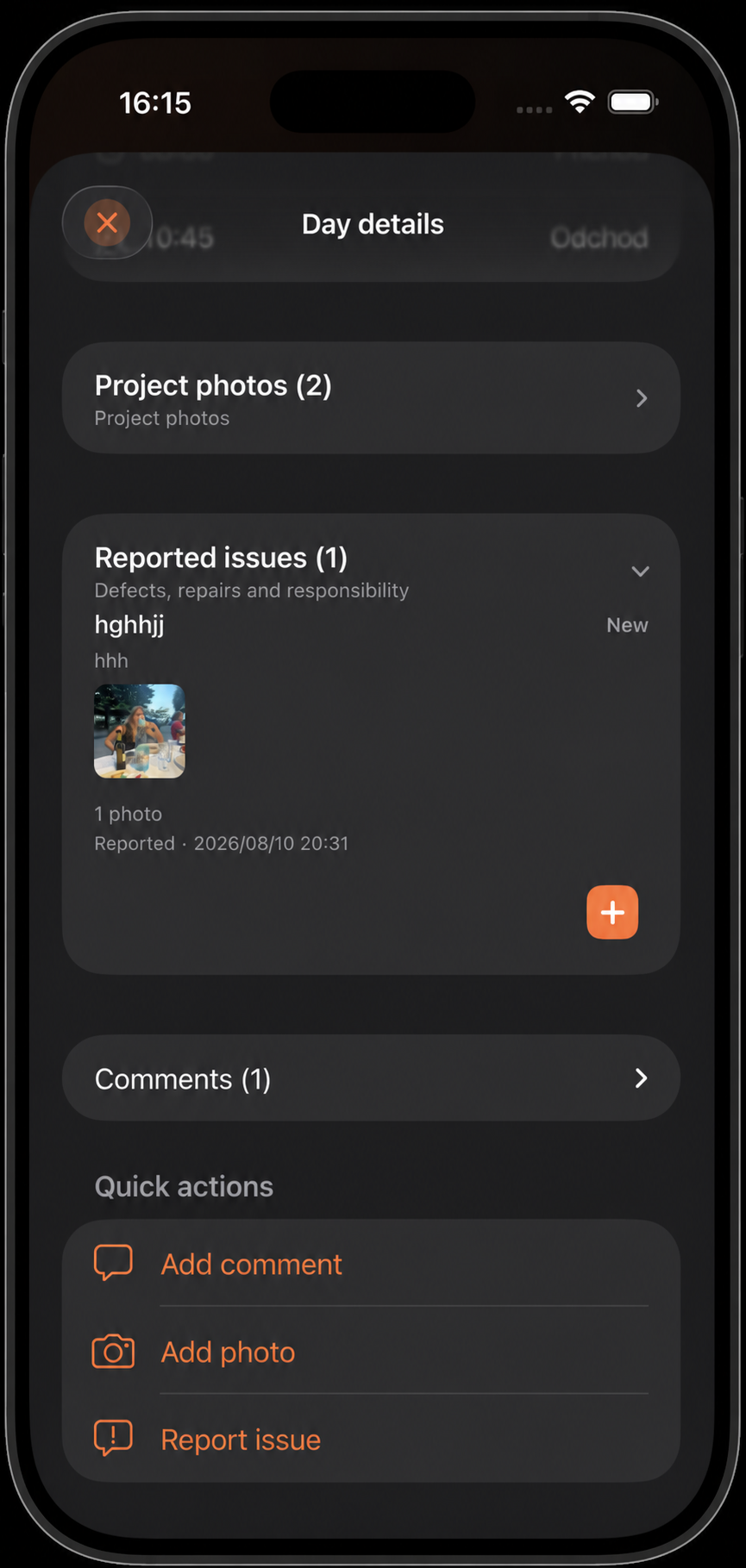
Filter the worker history by period, project, or days with photos, comments, and issues. Day detail shows events and permitted quick actions.